Localization workflows & operations
Software localization statistics 2026: Insights from real projects
Localization workflows & operations
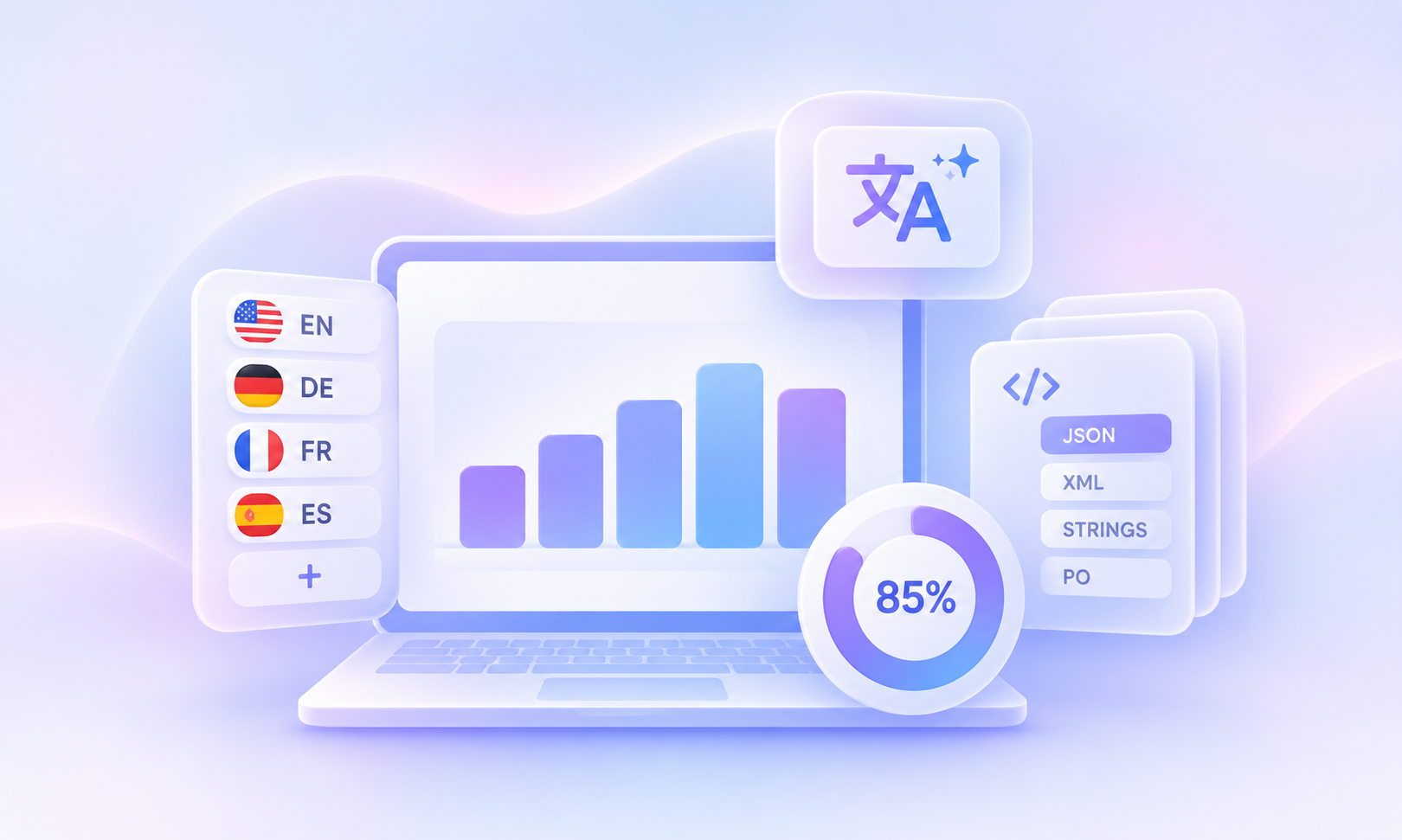
Table of content

How many languages does a typical localization project support? Which file formats do teams work with most? And how much of the translation process are companies already handing over to AI?
To find out, we analyzed anonymized LingoHub product usage data from October 2026. The results reveal how teams manage localization in practice: projects support an average of 9 target languages, JSON is the most widely used file format, and 85% of teams used machine or AI translation in the last 90 days.
But AI’s role goes beyond generating translations. Many teams use LINA, the AI inside LingoHub, beyond her Assistant role, allowing her to take on more responsibility for translation and review.
These findings offer a look at how companies manage multilingual content today and what you can learn from their approach.
Launching in a few languages is one thing. Managing translations as your product expands into more markets is another. So how many languages are software teams actually working with?
Our data shows that LingoHub projects support an average of 9 target languages, excluding the source language.
But not every project operates at the same scale. Some focus on just one or two target languages, while others manage translations across 20 or more.
In fact, more than half of the projects we analyzed support at least 5 target languages, and roughly 1 in 3 manages 20 or more.
Many companies start with a handful of major markets, often English, French, Italian, German, and Spanish. But as products grow, so does the translation workload.
Consider a release with 200 new strings. Across 3 target languages, that’s 600 translations. Expand to 10 languages, and the same release requires 2,000 translations to produce and review.
The takeaway? Plan your localization processes for growth, even if you’re starting small. Choosing tools and workflows that can accommodate 10 or more languages early on can save you from having to rethink your setup later.
Of course, expanding into more languages only makes sense when there’s demand. Our guide on which languages to localize your app into helps you decide which markets to prioritize next.
Every software product needs a way to store its translations. But with different frameworks, platforms, and programming languages come different file formats. So which ones do localization teams actually use?
JSON is the clear favorite. Our data shows that JSON is the most widely used localization file format among LingoHub customers, followed by i18next JSON. Other popular formats include Android XML, iOS Strings, Gettext PO, and Ruby on Rails YAML.
Here’s an overview of commonly used localization file formats and their support in LingoHub:
File format | LingoHub support |
|---|---|
JSON | |
i18next JSON | |
Android XML | |
iOS Strings (.strings) | |
Gettext PO | |
Ruby on Rails YAML | |
React Intl JSON | |
.NET RESX | |
CSV | |
Java Properties | |
Angular Translate JSON | |
XLIFF |
JSON-based formats are particularly common in web application localization. These include standard JSON, i18next JSON, React Intl JSON, and Angular Translate JSON.
Mobile applications, on the other hand, rely on platform-specific formats such as Android XML, iOS .strings, .stringsdict, and Xcode String Catalogs.
Other formats serve more specialized needs, including Symfony YAML, HTML, and Figma designs. Teams working with Figma can synchronize their content directly through the LingoHub Figma plugin.
The variety of formats highlights an important point: localization tools need to accommodate different technologies rather than relying on a single file format.
The iOS ecosystem is undergoing an interesting transition. Apple introduced String Catalogs with Xcode 15 in 2023, giving developers a centralized way to manage an app’s localized strings.
Our data shows that traditional .strings files remain more widely used than the newer .xcstrings format, although String Catalogs are also appearing in localization workflows.
Apple allows developers to migrate existing .strings and .stringsdict files when they’re ready, so both formats are likely to coexist for some time.
For iOS teams, this means: choose localization tools that support both established and newer Apple formats.
Here’s where things get interesting. Individual localization projects typically use a single file format, but companies often work with several formats across their products.
Think of a company with a web application using JSON, an Android app using XML, an iOS app using .strings, and a backend relying on YAML or PO files. Each project has its own technical requirements, but the localization team still needs to manage translations consistently across all of them.
This is why file format compatibility matters when choosing a translation management system. Don’t just check whether a tool supports your current project. Consider the formats your other products use and those you might introduce later.
LingoHub supports 40+ frameworks and file formats, allowing teams to manage translations across different technologies in one platform.
The popularity of JSON-based localization is also reflected in the broader JavaScript ecosystem. Between October 21 and 27, 2026, i18next recorded approximately 27.5 million npm downloads, compared with 3.6 million for react-intl.
Want to understand how these formats handle translation keys, placeholders, and comments? Explore our guide to i18n resource file formats.
Machine translation has become a standard part of localization workflows. But with traditional machine translation engines like DeepL and Google Translate alongside newer AI models, which technologies are teams actually using?
Our data shows that 85% of LingoHub accounts used machine or AI translation in the last 90 days. This highlights how established automated translation has become in modern localization workflows.
DeepL is among the most commonly used engines, while large language models (LLMs) offer additional options for teams looking to translate content with more contextual information.
But the growing availability of AI models raises an interesting question: Which translation engine delivers the best results for your content?
There’s no universal answer. Translation quality depends on factors such as language pairs, terminology, writing style, and the type of content you’re translating. A model that performs well for marketing copy might not be the best choice for technical documentation or software strings.
The best approach is to test different engines using your own content. Select a representative set of strings, apply your glossary and relevant context, and compare the translations side by side.
For a closer look at the available options, explore our comparison of leading LLMs for translation or learn more about the differences between machine translation engines.
How much of the translation process are teams comfortable handing over to AI? Some prefer to keep people involved at every step, while others let AI handle translations from start to finish.
LingoHub gives teams that flexibility through LINA, the AI inside LingoHub, which can take on three different roles:
Assistant: LINA supports translators with suggestions and on-demand translations, while people remain responsible for the process.
Translator: LINA automatically translates and performs quality checks, leaving the final review and approval to a person.
Agent: LINA manages the entire process, from translation and review to approval. If a translation doesn’t meet the required standards, LINA revisits it up to three times before escalating unresolved issues for human attention.
Many teams already use LINA beyond its Assistant role, allowing AI to take on more responsibility in the translation process.
Some teams use LINA to automatically translate content while keeping human reviewers involved. Others take automation a step further, letting LINA review and approve translations as an Agent.
The level of automation can also vary within the same company. A team might let LINA work as an Agent for one language while keeping human reviewers involved in others.
The key to successful AI translation is choosing a suitable model and giving that model the right context.
Unlike a generic translation engine, LINA can use your company’s glossary, translation memory, and style guide to produce translations that reflect your terminology and brand voice.
If you’re considering more automation, start by building a solid foundation of linguistic context. Then assign LINA the Translator role for one language and evaluate the results against your quality standards. Once you’re confident in the output, you can move to the Agent role and let LINA handle translation, review, and approval automatically.
The goal is to find the right balance between AI autonomy and human involvement for each language and content type.
A localization setup that works perfectly for 3 languages might become difficult to manage at 10 or 20. More languages mean more translations, more opportunities for errors, and more complexity across your development workflow.
The good news? Many of these challenges are easier to prevent than to fix later. Here are four things worth getting right before your product expands into more markets.
Pluralization might seem straightforward in English, where there are just two categories: “one” and “other”. But other languages follow very different rules. Polish has four plural categories, while Arabic has six, according to the Unicode CLDR plural rules.
If your application stores plurals as separate strings like “1 file” and “{count} files”, that approach might work in English but cause problems when you introduce languages with more complex plural rules.
Instead, use your file format’s native pluralization syntax from the beginning. This allows your application to handle language-specific rules without requiring major changes later.
Learn more in our guide to pluralization.
A button label that fits perfectly in English might suddenly overflow when translated into German, French, or Spanish.
According to IBM’s guidelines, as published by the W3C, English text of up to 10 characters can expand to 200-300% of its original length in European languages. Even longer strings of more than 70 characters may grow to around 130%.
This makes flexible layouts especially important for buttons, navigation menus, tabs, and table headers.
And if you’re planning to support Arabic or Hebrew, consider right-to-left layouts early in the design process rather than adapting your entire interface later.
Imagine releasing 200 new strings across 10 languages. That’s 2,000 translations, each with the potential for missing placeholders, incorrect formatting, or other issues.
Checking every translation manually becomes increasingly time-consuming as your product grows.
That’s where automated quality assurance makes a difference. LingoHub’s quality checks automatically detect issues such as missing or modified placeholders, incorrect tags, broken ICU syntax, and translations exceeding defined length limits.
By identifying these problems before translations leave LingoHub, teams can maintain consistent quality without adding repetitive manual checks to every release.
As your product grows, you might have a web application using JSON, an Android app using XML, and an iOS app using String Catalogs. Each project has its own file formats, repositories, and development branches.
Manually exporting and importing translations across these environments quickly becomes inefficient.
Instead, connect your localization platform directly to your development tools. With LingoHub’s GitHub integration, for example, you can automatically pull new strings from selected branches and folders and push completed translations back through pull requests or direct commits.
Whether your team works with main, develop, or feature branches, translations can stay aligned with your existing development process.
The takeaway: You don’t need to launch in 10 languages to prepare for them. Building a scalable localization setup early means you can expand into new markets without having to rebuild your processes every time.
This analysis is based on anonymized LingoHub product usage data from October 2026. Trial accounts, internal accounts, and example projects were excluded.
Target languages were measured per project, while file formats, machine translation usage, and LINA roles were analyzed at account level. All figures are rounded, and small groups are excluded to protect customer privacy.
Keep in mind, these findings reflect existing LingoHub customers, not the entire localization industry. Language counts show how many target languages projects support, while machine translation statistics measure account usage rather than translation volume.
Please cite LingoHub as the source and link to this page:
LingoHub, “Software localization statistics 2026: Insights from real projects,” October 2026, https://lingohub.com/blog/software-localization-statistics.

Best machine translation engines in 2026, with API prices
Google, Microsoft, DeepL, Amazon, ModernMT and Apertium compared: API prices, free tiers, what 10 million characters cost, and where AI models fit.

i18n resource file formats
Applications across platforms use .ini files, but no standard exists. Learn how to use .ini files effectively for i18n in our latest blog overview.
Mobile app localization in 2025: Best practices for global success
Master mobile app localization in 2026 with best practices to adapt your app linguistically, culturally, and visually, boosting global user engagement.
