Move every string through a clear path from draft to approval.
Let LINA handle eligible work while reviewers stay in control of approvals.
Sync approved localization files back into your development workflow.
LINA drafts, reviewers approve, exceptions escalate, Git receives the result.
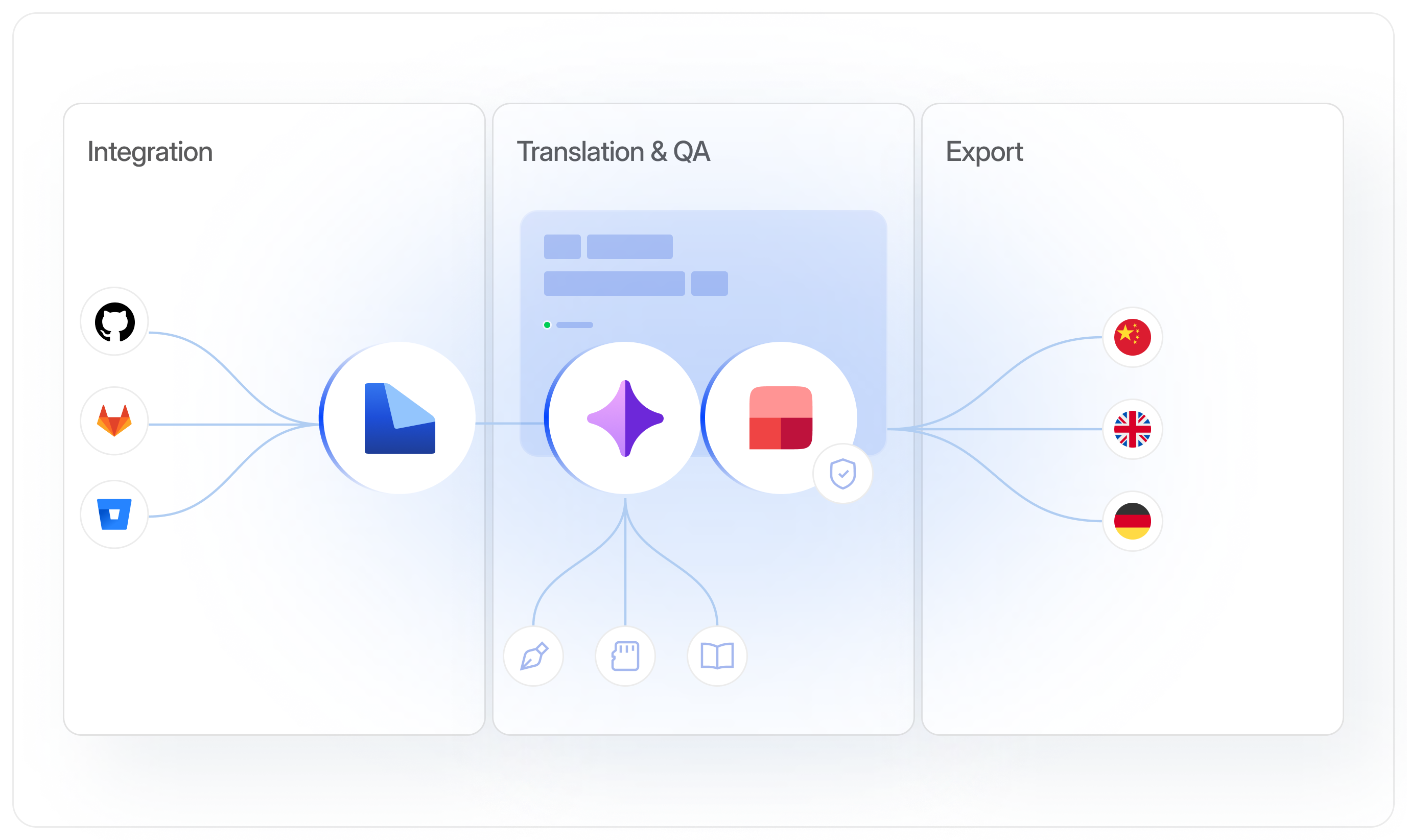
Move every string through a clear path from draft to approval.
Let LINA handle eligible work while reviewers stay in control of approvals.
Sync approved localization files back into your development workflow.
Draft with context
Let LINA work from your glossary, translation memory, style guide, and project context before content moves forward.
)
Keep review in the workflow
Move translations through defined statuses so reviewers know what needs attention and what is ready to approve.
)
Connect l10n with delivery
Bring content in from your existing tools and return approved localized files to the workflows your team already uses.
)
What is a localization workflow?
A localization workflow defines how content moves from source text to an approved localized version. It determines what needs translation, what requires review, which quality checks apply, and when content is ready for delivery. In LingoHub, your team, LINA, automated QA, and integrations work together to keep that path clear.
For managers

See which content needs translation, review, or approval
Keep responsibilities clear across projects and languages
Track localization progress before the next release
For developers
Sync localization files through your existing development workflow
Keep source and localized content connected through integrations
Receive approved localized files after translation and QA
For marketers
Keep product terms consistent across languages
Review localized content before it is approved
Use the same glossary and style guidance as the product team
01
LINA in the workflow
Let LINA draft eligible content using your glossary, translation memory, style guide, and project context.
02
Defined translation statuses
See what needs editing, what is waiting for review, and what is approved and ready for delivery.
03
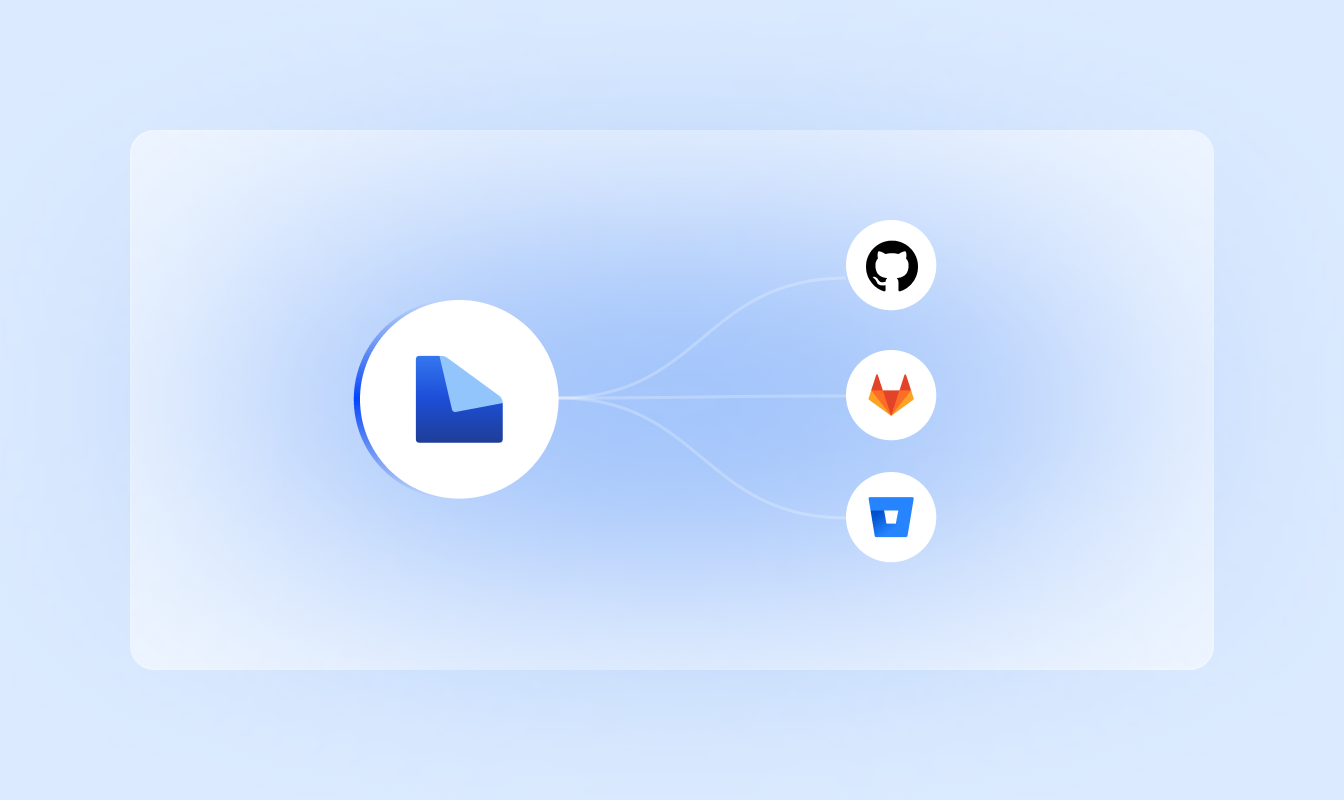
Repository integration
Connect GitHub, GitLab, Bitbucket, or Azure DevOps to keep localization connected with your development workflow.
04
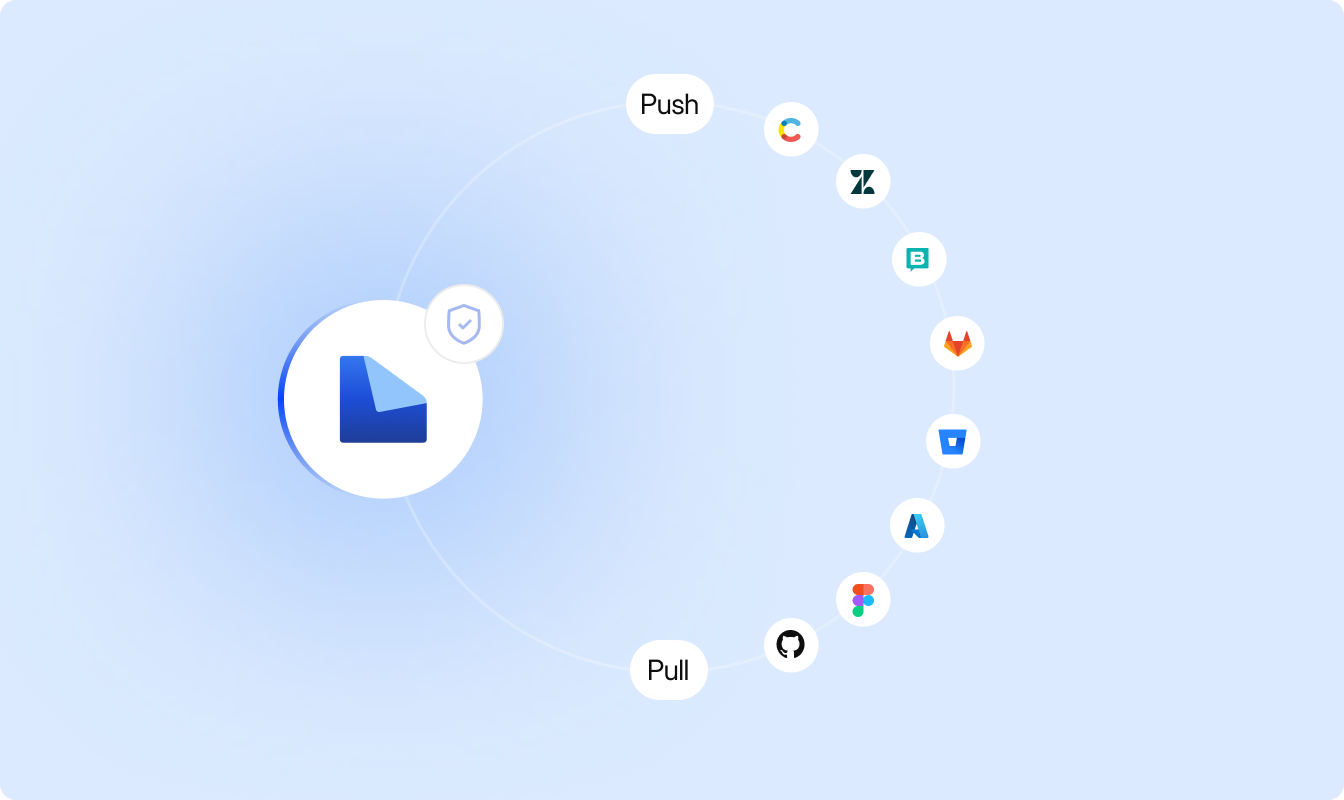
Quality checks before delivery
Check terminology, placeholders, formatting, and other requirements before localized files leave LingoHub.
Connect your content, let LINA handle eligible translation work, and keep review and approval in one defined workflow.
Connect your content
Sync localization files from your repositories and other connected tools into LingoHub.
Draft and check with LINA
Let LINA translate eligible content using your linguistic assets and run checks before it moves forward.
Review, approve, and deliver
Review what requires human attention, approve the final translation, and return localized content to your delivery workflow.
Language you can ship. Start localizing now.
Free 14-day trial. No credit card required.

Glossary, translation memory, and QA on every string.

LINA, the AI inside LingoHub, translates and reviews with your context.

The next release matches the last one.
Got questions? We have the answers.
How can I automate my localization workflow with LingoHub?

You can automate the entire lifecycle by integrating your repositories (such as GitHub or GitLab) to enable seamless syncing and automated pushbacks via pull requests. This setup allows for AI-powered localization to run without manual coordination.
How do I track the progress of my workflow in LingoHub?
LingoHub uses standardized segment statuses, such as “New”, “Pre-translated”, and “Approved”, to provide real-time visibility into your content’s lifecycle. These statuses keep your team aligned and help identify bottlenecks during the review and approval cycles.
How do I manage multiple Git branches within a single localization project?
LingoHub allows you to sync and manage Git branches independently, keeping your project data organized and technical elements like placeholders accurate. You can push translations directly to specific feature branches, keeping your main code clean and deployment-ready.
