Bring human expertise into your existing localization workflow.
Track translation, review, and approval without moving files between tools.
Glossary, translation memory, style guide, and segment context stay available throughout the job.
Work with professional translators directly inside LingoHub. They translate with the same glossary, translation memory, style guide, and context your team and LINA use, keeping human and AI translation consistent.
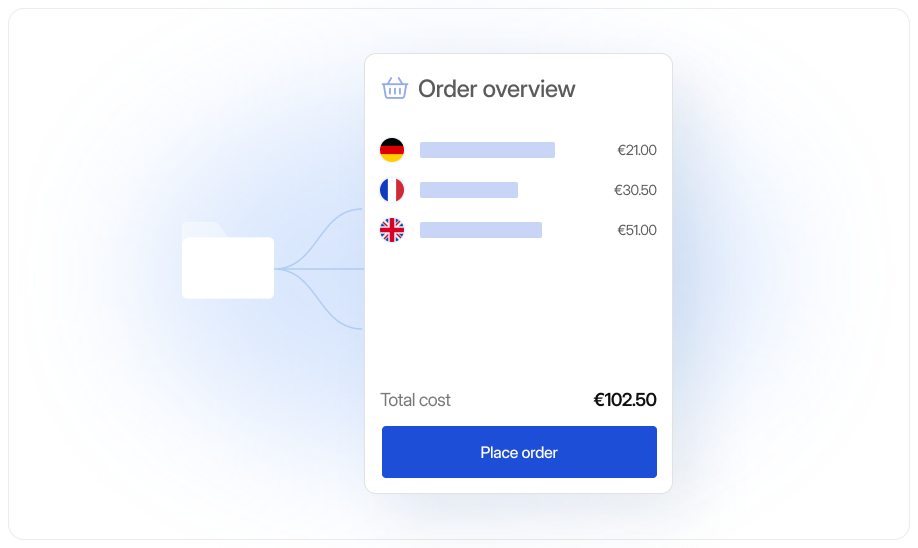
Bring human expertise into your existing localization workflow.
Track translation, review, and approval without moving files between tools.
Glossary, translation memory, style guide, and segment context stay available throughout the job.
)
Brand critical content
Give campaigns, product messaging, and high visibility copy an additional layer of native language expertise.
)
Specialized content
Bring in linguists when terminology, industry language, or subject matter requires deeper expertise.
)
High-risk content
Use professional translation for strings where legal meaning, accuracy, or nuance deserves dedicated human attention.
Human translation inside your system of record
Professional translation adds human expertise to the same localization workflow your team already uses. Translators work directly with your approved terminology, previous translations, style guide, and segment context.
Their approved work becomes part of the same translation memory used across future releases. The result is one source of truth, whether a string was translated by LINA, your internal team, or a professional linguist.
For managers

Keep translation projects organized
Bring in specialists for brand critical or sensitive content
Track orders, reviews, and approvals in one place
For developers
Keep translation files inside the existing localization workflow
Give translators context without emailing files back and forth
Move approved translations back into your release process
For marketers
Keep product names and terminology consistent across markets
Give native linguists access to your brand style and context
Add human expertise to high visibility multilingual content
01

Professional translators across 60+ languages
Order translation and proofreading for global and regional languages directly from your LingoHub project.
02
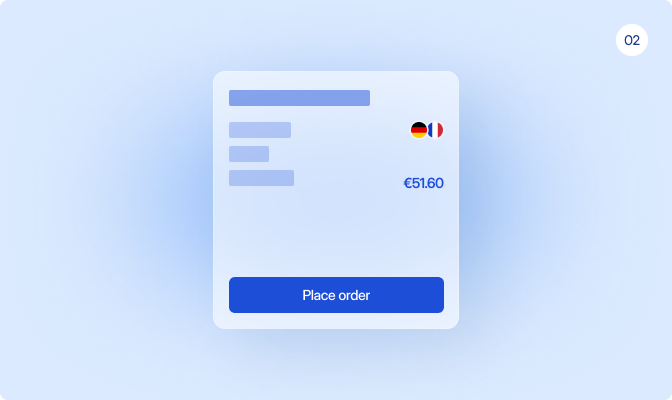
Clear pricing before you order
Select your content and target languages and see the calculated price before confirming your order.
03

Full localization context
Give translators access to your glossary, translation memory, style guide, and segment context, keeping terminology and tone aligned.
04
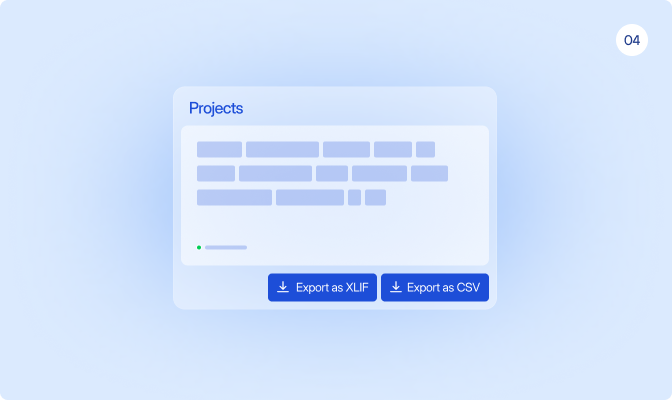
Flexible exchange when you need it
Export projects as XLIFF or CSV when you need to work with an external partner or another translation workflow.
Order, review, and manage professional translation without moving your content out of LingoHub.
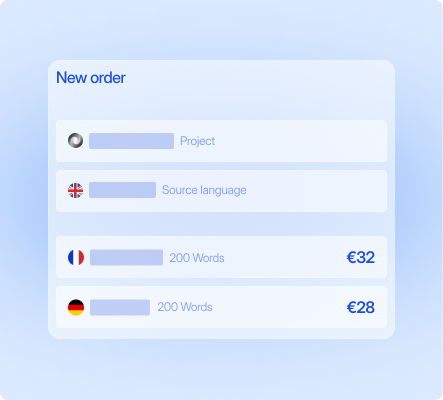
Configure your order
Select your project content and target languages, then review the calculated price before placing your order.
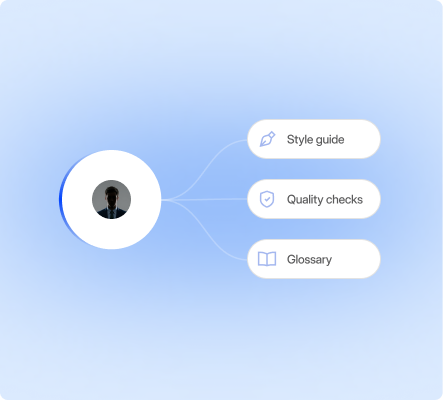
Translate with full context
Professional translators work with your glossary, translation memory, style guide, and segment context directly in LingoHub.
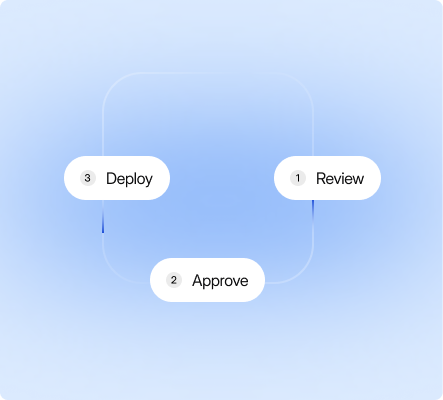
Review and approve
Track progress, review completed translations, and approve the content within your existing localization workflow.
Language you can ship. Start localizing now.
Free 14-day trial. No credit card required.

Glossary, translation memory, and QA on every string.

LINA, the AI inside LingoHub, translates and reviews with your context.

The next release matches the last one.
Got questions? We have the answers.
Can I order professional translations directly in LingoHub?

Yes. LingoHub lets you order professional translations directly within the platform and manage localization workflows, reviews, and approvals in one centralized place.
What languages are supported for professional translation in LingoHub?
LingoHub supports professional translations in 40+ languages, including regional and less common languages such as Telugu, Marathi, and Sinhala, through a network of native-speaking linguists.
Can LingoHub handle urgent or large-scale translation projects?
Yes. LingoHub supports both urgent translation requests and high-volume localization projects, helping teams scale multilingual content quickly and efficiently.
How much do professional translations cost in LingoHub?
Translation pricing is calculated per word and varies by language pair. LingoHub provides transparent pricing estimates before you place an order and supports fair, effort-based compensation for translators.
How does LingoHub ensure translation quality and transparency?
LingoHub improves translation quality by providing translators with contextual resources such as style guides, terminology databases, and automated quality checks. The platform also tracks all edits and contributor activity for full workflow transparency.
