Localization workflows & operations
When should you localize your app? Signals by stage
Localization workflows & operations
Table of content

Your app is live, your first users are signing up, and everything is running in English. Then you notice something interesting: more and more visitors are coming from Germany. Some even ask whether your product is available in German.
Should you translate your app now? Or wait until there’s enough demand to justify the investment?
The right time to localize depends on your users, your target markets, and how prepared your app is for additional languages. But there’s an important distinction: preparing your app for localization should happen early, while translating it can wait until there’s a clear business case.
As the illustration below shows, there are three stages to consider: prepare your code from day one, introduce your first additional language when demand justifies it, and make translation part of every release as your product grows.
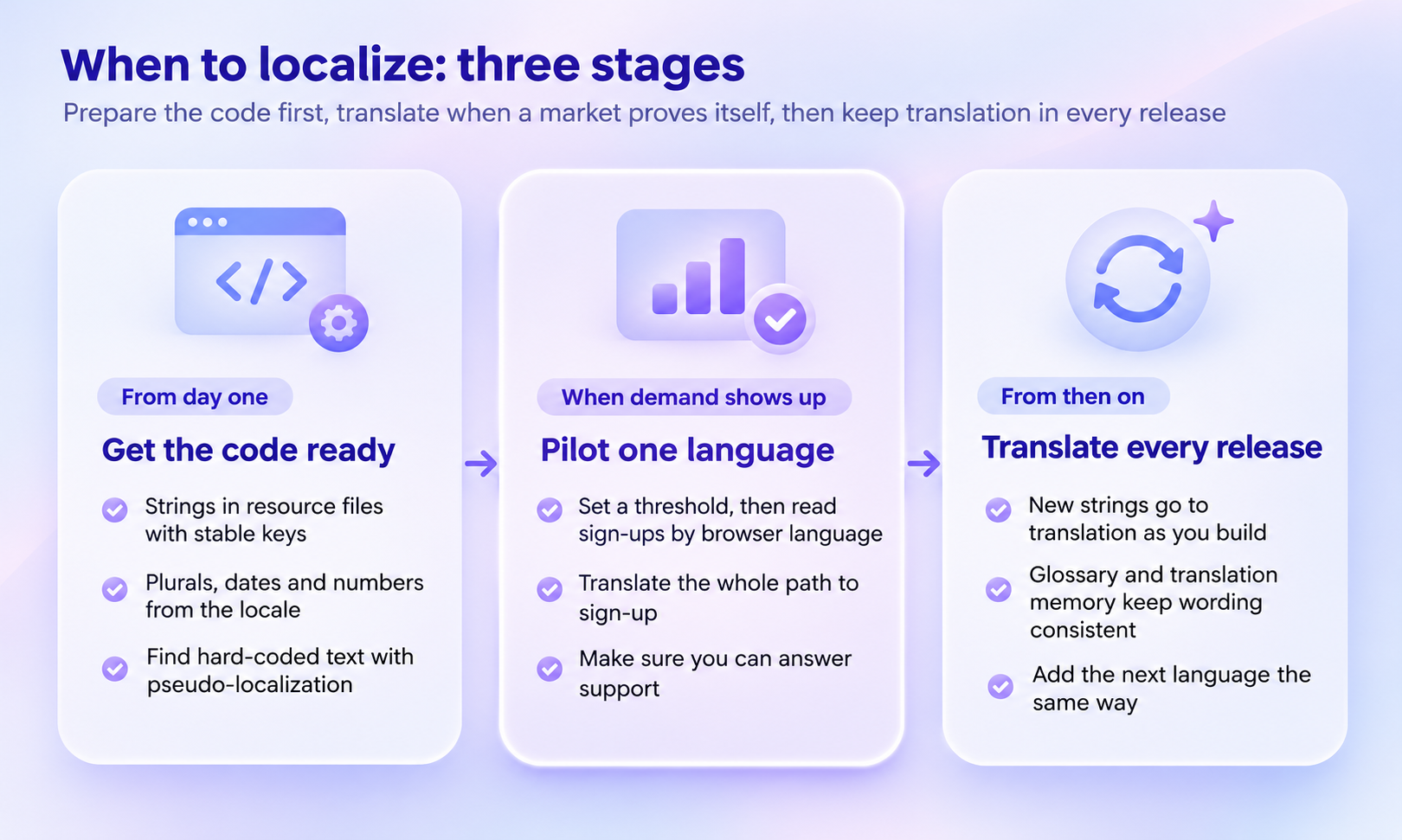
Preparing your app for multiple languages and actually translating it are two different things. And while you might not need translations from day one, it’s worth making your app ready for them from the start.
This distinction is known as internationalization versus localization. The W3C defines internationalization as designing and developing software in a way that “enables easy localization”. Localization, on the other hand, means adapting your product to the language and cultural expectations of a specific market.
The advantage? You can prepare your app for additional languages without translating a single word or deciding which markets to enter. As Apple explains, its tools help developers support additional languages “even before you know which languages you’d like to add.”
Waiting until you need translations to make these technical preparations can create unnecessary work. Strings may be hard-coded, layouts might not accommodate longer text, and date or number formatting may need to be reworked. The W3C describes adding internationalization to existing software as “much more difficult and time-consuming” than considering it during development.
Fortunately, getting your app ready doesn’t have to be complicated. Start with these five practices:
Externalize your strings: Store all user-facing text in resource files with stable keys instead of hard-coding it into your application.
Keep sentences together: Avoid building sentences from separate strings. Word order varies between languages, so translators need complete messages to work with.
Support language-specific plural rules: Don’t rely on a simple if (count == 1) condition. While English uses two plural categories, Polish has four and Arabic has six.
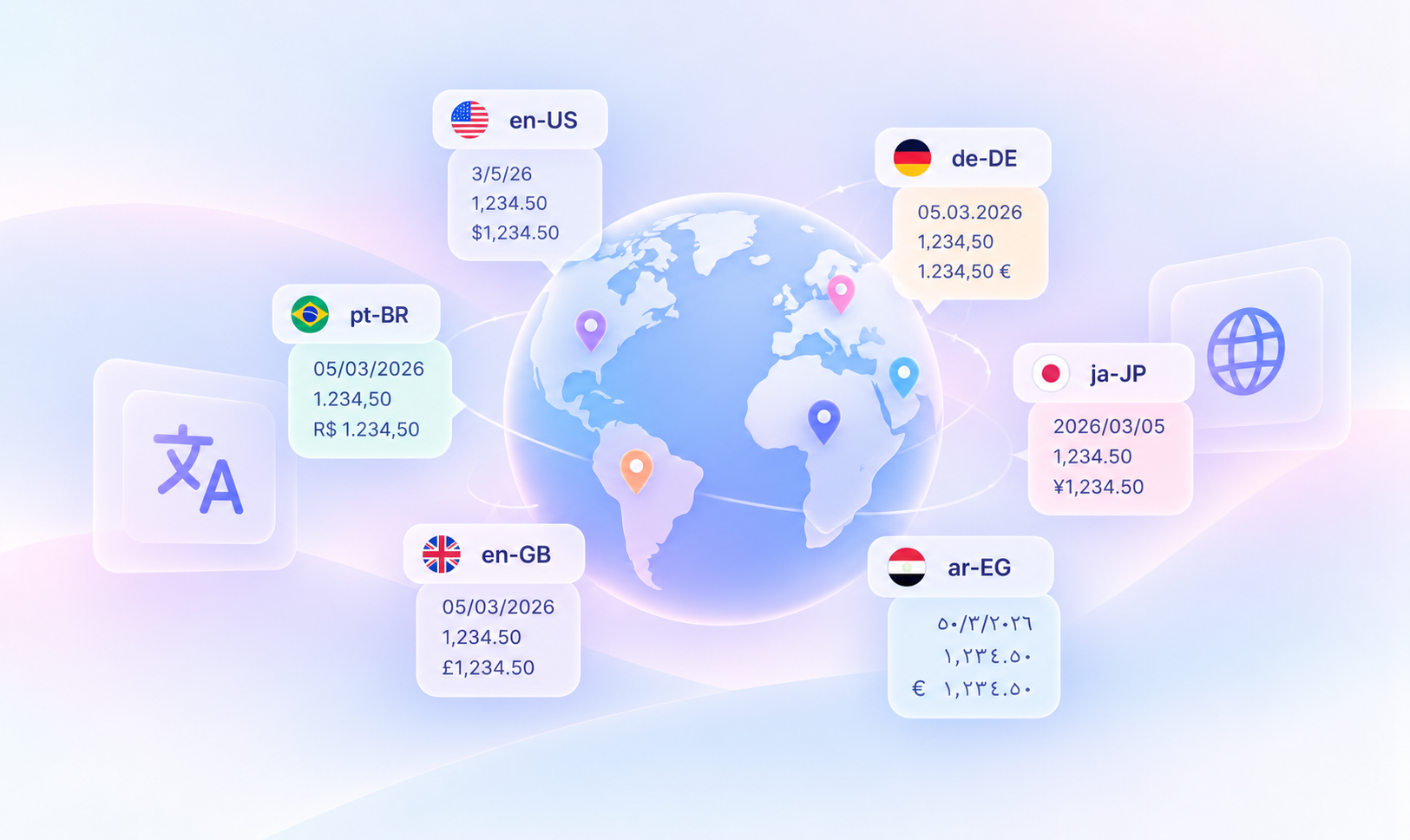
Format values according to the user’s locale: Dates, numbers, and currencies aren’t displayed the same way everywhere. Our guide on what a locale is explains the differences.
Design flexible layouts: Translated text can take up considerably more space. Some short English labels can expand to two or three times their original length in European languages.
You can even test how well your app handles other languages before translating anything.
Try our free pseudo-localization tool. It transforms your existing strings by adding accents, extra characters, and brackets. When you load the results into your app, you can spot text that hasn’t been externalized and layouts that struggle with longer translations. That way, when the first international market becomes relevant, your developers won’t have to rebuild the foundation of your app just to support another language.
Another tip: Instead of translating your entire app at once, focus on the complete journey a new customer takes, from discovering your product to signing up, getting started, and finding help.
The illustration below shows which touchpoints to prioritize in your first localization pilot and why keeping the experience consistent across them matters.
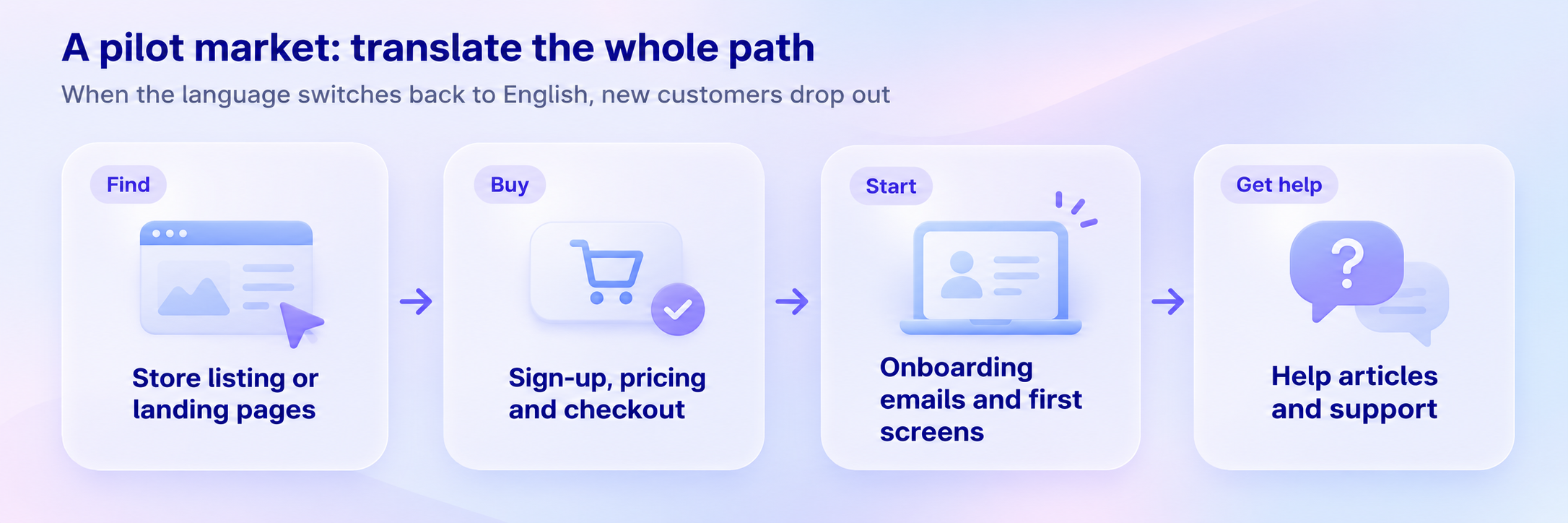
For a pilot, that path usually means:
The store listing or the landing pages for the market.
Sign-up, pricing and checkout.
The onboarding emails and the first screens of the product.
The help articles new customers open first.
Before you start, check that someone can answer support in that language. Leads you can’t talk to waste the test. Then judge the pilot by what it’s for: sign-ups in that language that become paying accounts.
Plan for several. Across 2,000+ LingoHub projects (as of October 2026), one language is the exception: a project translates into a median of 6 target languages, the average is even 9. Only 17% of projects have only one target language, tendentially, they have 10 or more.
Set up the workflow for that, even if the first market is the only one this year. At the median of 6, a release with 200 new strings means 1,200 translations, and that’s a lot to pass around by email and spreadsheet.
Once you’ve launched your app in another language, localization shouldn’t be something you revisit only before a major release. Ideally, it becomes part of your regular development process.
Think about what happens when you leave translation until the end of a release. New strings accumulate, translators receive everything at once, and developers may have to wait for translations before shipping. It’s also easier to overlook strings or discover formatting issues at the last minute.
A game developer shared a similar experience on Reddit. After spending days localizing their first game at the very end, they changed their approach. Now they localize each piece of text as they add it, spending just an extra minute or two whenever new text is introduced.
Google Play also recommends testing translations “as part of your regular release cycle”.
The key is to connect translation directly to your development workflow, so new strings don’t have to be manually exported, shared, and imported with every release.
With LingoHub, for example, you can automate several steps:
Sync new strings: The GitHub integration imports new and updated strings from your selected repository branches.
Translate with context: LINA, the AI inside LingoHub, translates content using your glossary, translation memory, and style guide to maintain consistent terminology and writing style.
Check translation quality: Built-in quality checks identify issues such as missing placeholders, invalid ICU syntax, and translations that exceed defined length limits.
Send translations back: Once translations meet your workflow’s completion requirements, LingoHub can push them back to your repository through pull requests or direct commits.
You can also decide how much of the translation process LINA handles for each language, from assisting translators in the editor to automatically translating, reviewing, and approving content.
This way, localization keeps pace with development instead of becoming another task that delays your next release.
No, but expect to change code before anyone translates. Start with a pseudo-localization pass to find hard-coded strings, sentences built from pieces and layouts that break with longer text. Fix those, then translate your pilot market.
Yes, it’s a cheap way to test a market: Apple and Google Play let you localize the store listing on its own, before the app. Say clearly on the listing that the app itself is in English, so people who download it aren’t surprised.
Start your free 14-day trial, no credit card needed, or book a demo to see how LingoHub fits your release process.
Software localization statistics 2026: Insights from real projects
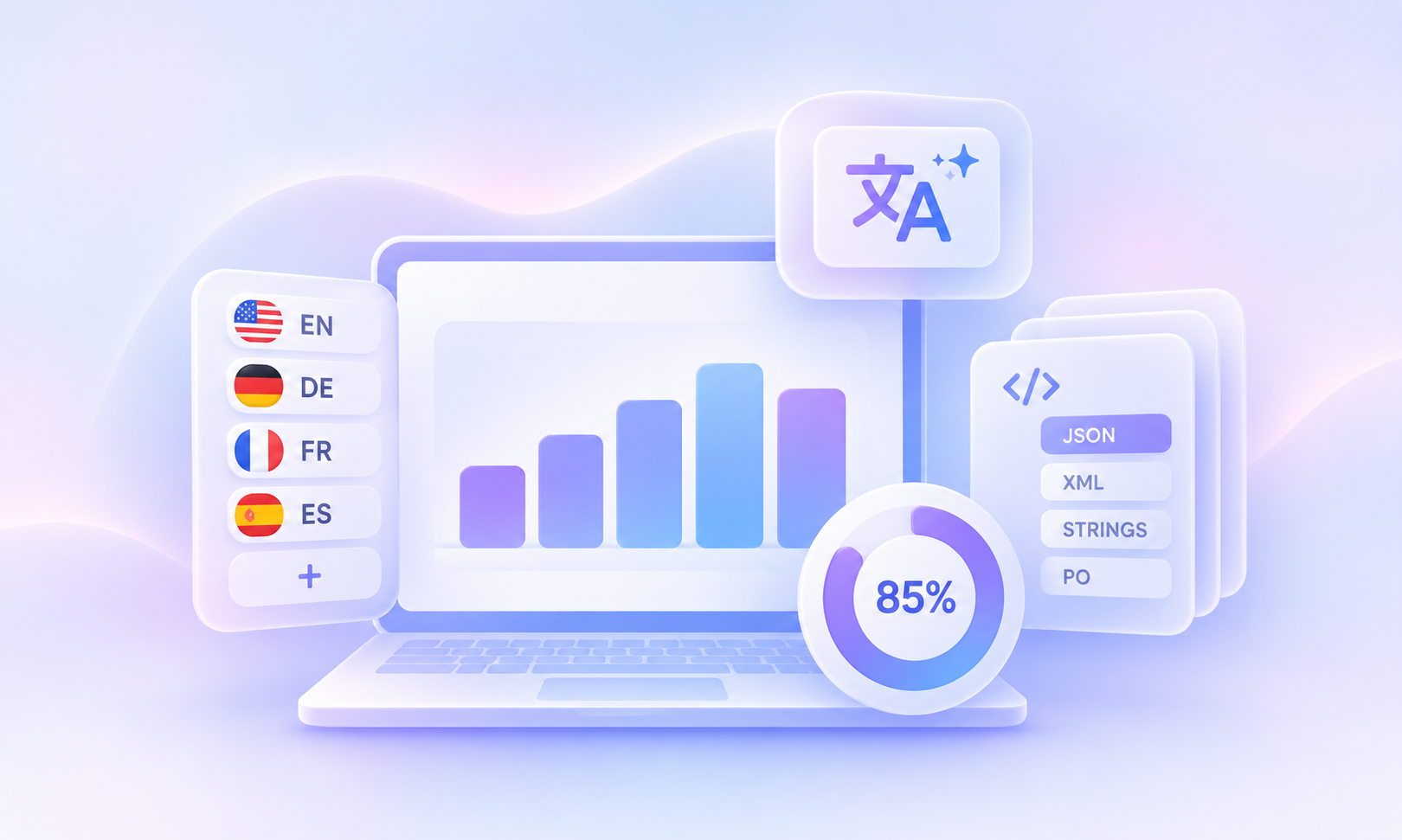
To find out, we analyzed anonymized LingoHub usage data from October 2026. The results reveal how teams manage localization in practice: projects support an average of 9 target languages, JSON is the most widely used file format, and 85% of teams used machine or AI translation in the last 90 days.
What is a locale? Codes, formats and platform differences
A locale is a language plus a region's rules for dates, numbers, currency and sorting. See one date in 8 locales and how 6 platforms write pt-BR.

Web app localization: Best practices and workflow
Learn how to localize a web app with internationalization, string management, RTL support, continuous localization, QA, and release-ready workflows.
