Android localization: a complete developer guide
Developer resources
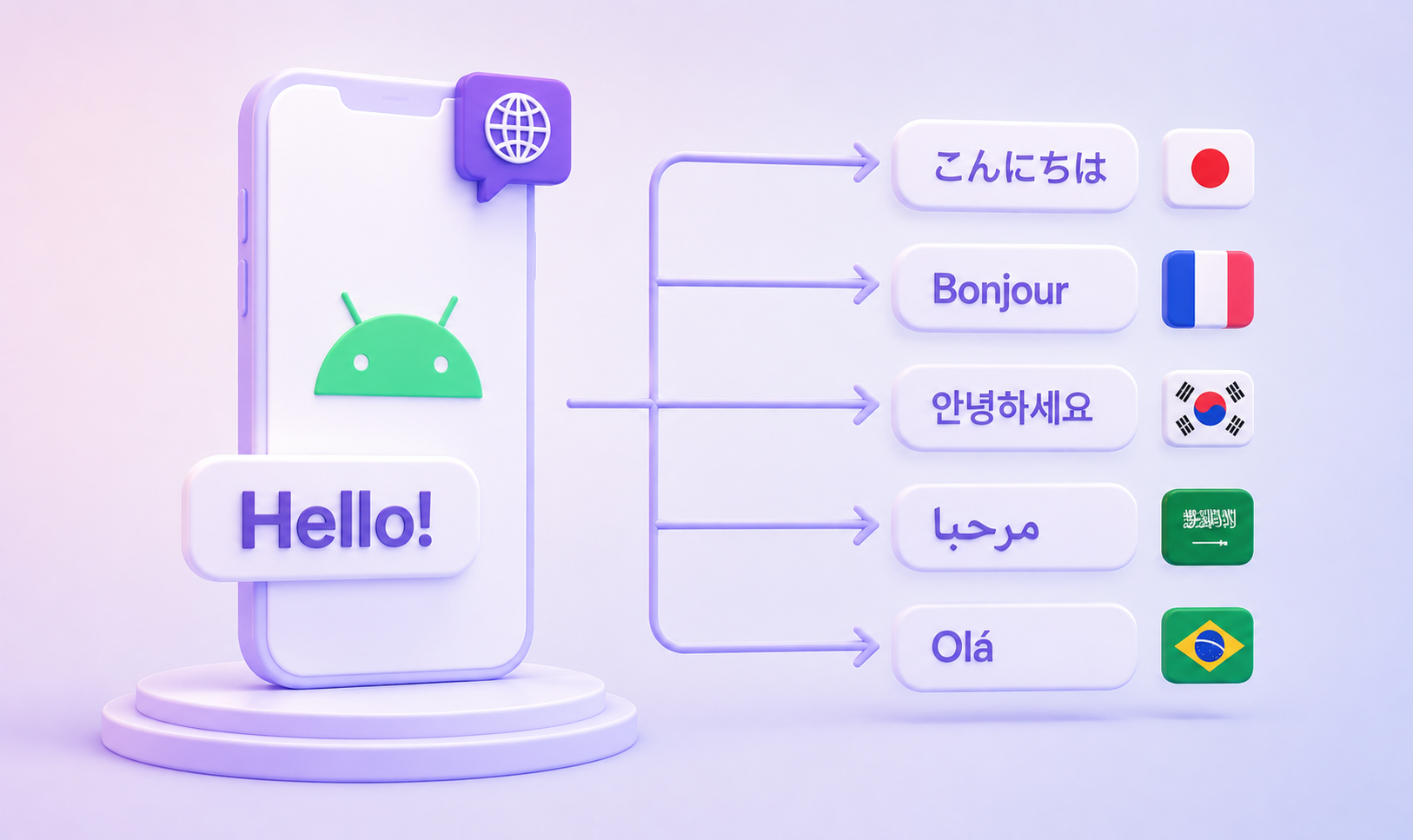
Table of content

Android localization is the work of lifting every user-facing string out of your layouts and Kotlin code, into resource files a translator can open, and back onto the screen in whichever language the user has chosen. Android app localization has good bones: the resource system was designed for it from the first release. The costs appear later, at scale, in plural categories English does not have, apostrophes that fail an export, and a translation file that drifts away from the code reading it.
This guide covers the resource layer, the Compose and Kotlin APIs that read it, the per-app language settings introduced in Android 13, and the release-time checks that catch a missing translation before a user does. Samples assume compileSdk 33 or higher, Android Gradle Plugin 8.1 or newer, and AppCompat 1.6.0 or newer. They are written in Kotlin and Jetpack Compose; the resource files are identical in a Views codebase, and the equivalent View APIs are noted where they differ.
Internationalization, abbreviated “i18n” for the eighteen letters between its first and last, is the engineering work that makes an app capable of adapting to any language and region without code changes. Localization, abbreviated “l10n”, is the follow-on work of producing the translations and locale conventions for one specific market. Developers own the first; translators and reviewers own the second.
Translation is one part of localization, covering the text conversion itself. The rest is everything around it: plural forms, number and date conventions, currency symbols, sort order, and layout direction.
In Android, i18n means putting text and other locale-varying assets into resources instead of hardcoding them. Localization then means adding a parallel resource directory per language. The platform does the selection at runtime, which keeps the two jobs cleanly separated.
Android resolves resources through directory qualifiers. res/values/strings.xml holds the source language and acts as the ultimate fallback. Adding res/values-es/strings.xml gives Spanish speakers Spanish text with no code change at the call site.
Directory | Matches | Use it for |
|---|---|---|
| any locale with no better match | the source language and final fallback |
| Spanish in any region | one translation covering the whole language |
| Spanish as used in Mexico | region-specific wording |
| Latin American Spanish | a regional dialect group |
| Simplified Chinese | anything needing a script code |
The b+ form is BCP 47 notation, and it is the only way to express a script subtag. Region-only qualifiers such as -rMX cannot carry one.
Resolution changed meaningfully in Android 7.0 (API level 24). Before it, a device set to es_MX with an app shipping only values-es-rES fell through to the default language, showing English to a Spanish speaker. From API 24 onward the system walks the locale’s children too, matching es-MX to a sibling Spanish resource before giving up. The language and locale resolution guide documents the full algorithm. Its recommendation is worth following: store strings under the most common parent dialect, values-es rather than values-es-rES, and add a region qualifier only where the wording genuinely differs.
Start by extracting text. Every literal in a composable or layout becomes a named entry in res/values/strings.xml:
<?xml version="1.0" encoding="utf-8"?>
<resources>
    <string name="cart_title">Your cart</string>
    <string name="cart_checkout_button">Check out</string>
    <string name="cart_empty_message">Nothing here yet</string>
</resources>
Add one directory per target language, keeping the filename and the key names identical. Only the values change:
<!-- res/values-es/strings.xml -->
<resources>
    <string name="cart_title">Tu carrito</string>
    <string name="cart_checkout_button">Pagar</string>
    <string name="cart_empty_message">Todavía no hay nada aquí</string>
</resources>
Read them with stringResource, which resolves against the active configuration on every recomposition:
@Composable
fun CartHeader() {
    Text(text = stringResource(R.string.cart_title))
}
In a Views codebase the equivalents are getString(R.string.cart_title) from Kotlin and android:text="@string/cart_title" in XML. The Compose resources documentation covers the composable variants, and the string resources reference covers the file format itself.
To verify, change the device language in system settings and relaunch. A string that stays in English is a key missing from that language’s file. Android Lint catches the same gap without the device, and the section on release checks below wires it into CI.
Key naming keeps a growing resource file navigable. A feature_element_variant convention, as in cart_checkout_button, sorts related keys together and tells a translator where the string appears. Reusing one ok key across twelve screens saves a few lines and costs you the ability to translate it differently where grammar demands it.
Comments carry the context a translator needs, and Android’s XML comments attach to the key that follows them:
<!-- Button on the cart screen. Keep under 12 characters. -->
<string name="cart_checkout_button">Check out</string>
LingoHub assigns each comment to the following key/value pair, so that note travels with the string into the translation editor instead of staying behind in the repository. Its Android XML integration reads string, string-array, and plurals elements, and LingoHints add structured metadata inside the same comment syntax: translation status, quality-check bounds, labels, and a not_translatable flag. The Android developer docs list the notation.
Mark anything that must survive untouched:
<string name="api_base_url" translatable="false">https://api.example.com</string>
Keys marked this way stay out of the translation scope entirely, which keeps a URL or an analytics identifier from being localized by mistake. Their conventional home is a file named donottranslate.xml, which Android Lint skips when checking for missing translations.
That naming freedom extends further. Every XML file under a res/values*/ directory merges into one resource namespace, and the resource ID comes from the name attribute rather than the filename, letting a large app split its source strings by feature:
res/values/
    strings.xml
    strings_checkout.xml
    strings_onboarding.xml
    donottranslate.xml
Keys stay globally unique across the split, since the merge flattens them. A locale directory need not mirror the source filenames, because merging happens per directory, though mirroring them keeps review diffs readable.
Android string localization uses Java Formatter placeholders. Always use the positional form, because word order changes between languages and an unnumbered %s locks the arguments to English order:
<string name="cart_summary">%1$d items from %2$s</string>
Text(text = stringResource(R.string.cart_summary, itemCount, storeName))
An apostrophe must be written \', or the whole string wrapped in double quotes. A literal percent sign in a string that also contains a format specifier must be escaped, though you can set formatted="false" on strings that take no arguments at all. A leading @ or ? needs a backslash, since both introduce resource references. Those three escaping rules account for most resource-file surprises.
Plurals are a separate element, and they are not an if statement in disguise:
<plurals name="cart_item_count">
    <item quantity="one">%1$d item</item>
    <item quantity="other">%1$d items</item>
</plurals>
Text(text = pluralStringResource(R.plurals.cart_item_count, itemCount, itemCount))
pluralStringResource takes the count twice: once to pick the grammatical form, once as the format argument. Android supports six categories, and which of them a language actually uses is defined by CLDR plural rules, not by the developer.
| Selected for |
|---|---|
| languages with a distinct zero form, such as Latvian |
| the singular form; English 1, Russian 1, 21, 31 |
| a dual form, as in Welsh and Arabic |
| a small-count form, as in Polish 2 to 4 |
| a large-count form, as in Polish 5 and above |
| everything else, and the only value every language requires |
Your English file needs one and other; a Polish translator needs four items in the same plurals block, and an Arabic translator needs six. Write only the categories English uses and let the translation platform expand the set per language.
String resources cover words. Numbers, dates, and currencies are formatted at runtime against the active locale, and concatenating them into a translated sentence produces a Spanish string with American decimal separators.
val locale = LocalConfiguration.current.locales[0]
val price = NumberFormat.getCurrencyInstance(locale).format(amount)
val date = DateTimeFormatter
    .ofLocalizedDate(FormatStyle.MEDIUM)
    .withLocale(locale)
    .format(orderDate)
Reading the locale from the composition rather than from Locale.getDefault() matters once per-app language preferences are in play, because the two can differ. Feed the formatted result into a placeholder rather than building the sentence with string concatenation, which gives the translator control over where the value lands.
Android 13 (API level 33) added per-app language preferences: a user can run the system in English and one app in Dutch. The per-app language guide describes both halves of the feature.
For the system settings entry, let the build generate the locale configuration from the resource directories you already have:
android {
    androidResources {
        generateLocaleConfig = true
    }
}
Add a resources.properties file in the app module’s res folder with unqualifiedResLocale = en-US naming the default locale, and AGP writes the LocaleConfig file and the manifest reference at build time. A new values-* directory then updates the list automatically. The manual alternative, a hand-written res/xml/locale_config.xml referenced by android:localeConfig, has to be kept in sync by hand, and it conflicts with the generated one.
For an in-app language picker, set the locale through AppCompat rather than mutating Configuration yourself:
AppCompatDelegate.setApplicationLocales(
    LocaleListCompat.forLanguageTags("es-ES")
)
On Android 13 and above this delegates to the platform LocaleManager and stays in sync with the system settings screen, so a user switching language in either place sees the same result. Below API 33, AppCompat 1.6.0 and newer handle persistence.
Arabic, Hebrew, Persian, and Urdu read right to left, and the entire layout mirrors with the text. Declare support in the manifest with android:supportsRtl="true" on the <application> element, then remove the assumptions that block mirroring.
In Compose, use Modifier.padding(start = 16.dp, end = 8.dp) rather than the absoluteLeft and absoluteRight variants; the direction-aware forms flip automatically. Read LocalLayoutDirection.current where a component must branch on direction. In Views, replace paddingLeft and layout_alignParentLeft with paddingStart and layout_alignParentStart.
Directional icons need android:autoMirrored="true" on the drawable. A back arrow or a “next” chevron points the wrong way without it, while a logo or a play button should stay as drawn.
Mixed-direction text is its own problem. A street address or phone number embedded in an Arabic sentence can render with its punctuation displaced. Wrapping the value with BidiFormatter marks where the opposite-direction run begins and ends; the language support guide works through the failure cases.
Declare which languages ship. Without this, resources from library dependencies pull in locales your app has no translations for, and the system may resolve to one of them:
android {
    defaultConfig {
        resConfigs("en", "es", "de", "ar")
    }
}
Android Lint ships the checks for the rest, and ./gradlew lint runs them. These are the ones that earn their place in a localized build:
Check ID | Catches |
|---|---|
| a key in the default language with no translation in a declared locale |
| a translated key that no longer exists in the source language |
| a |
| argument types at the call site disagreeing with the resource |
| literal text in a layout that never reached a resource file |
|
|
The first three are errors by default and stop the build. The rest are warnings, and RtlHardcoded is off entirely; promote the ones you care about in lint.xml:
<?xml version="1.0" encoding="UTF-8"?>
<lint>
    <issue id="HardcodedText" severity="fatal" />
    <issue id="StringFormatMatches" severity="fatal" />
    <issue id="RtlHardcoded" severity="error" />
</lint>
Enable the RTL family in the module’s Gradle config too: lint { enable += setOf("RtlHardcoded", "RtlEnabled") }.
Pseudolocales cover what static analysis cannot see. Enable them with isPseudoLocalesEnabled = true on the debug build type, then run the app in en-XA, which lengthens every string and exposes clipped layouts, or ar-XB, which mirrors the UI and reveals hardcoded left-alignment before any Arabic translation exists. The pseudolocales guide covers device setup.
The app localization Android teams run in production needs a route for strings to reach translators without a developer emailing files, a check on what comes back, and a way to keep both moving with the release branch.
LingoHub connects to the repository directly, pulls new and changed keys as they land, and opens a pull request when translations are ready. That path also solves an Android-specific detail: every language file is named strings.xml, and the locale lives in the directory path, which is why syncing through the repository beats manual uploads where the language has to be selected by hand each time.
On the way back in, quality checks compare each translation against its source for mismatched placeholders, missing entries, and inconsistent terminology, catching a dropped %1$d before it reaches a device. A glossary holds the terms that should read the same in every language, translation memory reuses approved strings, and AI translation produces a first pass for a human reviewer. Android and Apple iOS projects are coupled, so a team shipping both can export translated resources in the other platform’s format instead of retranslating them.
If your app ships alongside a Flutter product, our Flutter i18n guide covers the equivalent ARB workflow, and the mobile app localization use case spans both. Separately from the resource-file workflow described here, LingoHub offers over-the-air translation delivery through an Android SDK, which updates text without a store release. The Android SDK walkthrough covers it, though the post dates from 2020 and points at the current SDK repository for setup.
Localization in Android is the process of providing language-specific and region-specific resources, mainly strings, that the platform selects at runtime based on the user’s locale. The app reads a key such as R.string.cart_title, and Android returns the value from the resource directory matching the active language, falling back to res/values/ when nothing better exists.
Extract every literal into res/values/strings.xml, add a res/values-<language>/ directory per target language with identical keys, read them through stringResource or getString, and use plurals for anything counted. Then enable generateLocaleConfig so the languages reach system settings, and put MissingTranslation in CI.
Call AppCompatDelegate.setApplicationLocales with a LocaleListCompat. On Android 13 and above it delegates to the platform LocaleManager and stays synchronized with the per-app language screen in system settings; on earlier versions AppCompat 1.6.0 and newer persist the choice.
Write only the ones English uses, one and other. The remaining categories are added per target language by whoever translates it, following CLDR rules for that language. Writing a zero item in your English file has no effect, because English has no grammatically distinct zero form.
Android’s resource system handles locale selection, plural categories, and layout mirroring with little code. The work that remains is keeping the resource files honest as the app grows: consistent keys, context for translators, positional placeholders, declared locales, and a check that fails the build when a translation goes missing.
As your application adds languages, keeping Android XML resource files aligned becomes a workflow challenge. LingoHub connects translation files, repository updates, quality checks, and reviews in one place.
Want to test one project independently?
Start a 14-day free trial and try LingoHub with your own Android XML translation files. No credit card is required.
Evaluating LingoHub for a larger organization?
Book a demo if your setup involves multiple teams, repositories, complex workflows, migration requirements, security reviews, or custom integrations.

i18n and l10n for AngularJS apps from development to deployment
Adding multiple languages to your app requires careful planning. Read our blog about i18n and l10n best practices specifically for AngularJS apps.
Gettext i18n system
What is gettext, what are its features, and what resource file types use? We highlighted all these questions in our blog. Find more inside.

i18next and react-i18next: a complete guide for React apps
Learn how to set up i18next and react-i18next in a React app: translation files, namespaces, plurals, language switching, and a production workflow.

i18n gem advanced features - Ruby on Rails internationalization
Find inside this article the highlighting of some i18n gem advanced features in Ruby on Rails internationalization.
)