Control access with Workspace and Project roles.
Assign people to the projects and languages they work on.
Keep responsibilities clear as your localization team grows.
PMs, developers, reviewers, all on one plan. Roles decide who touches what.
Language you can ship.
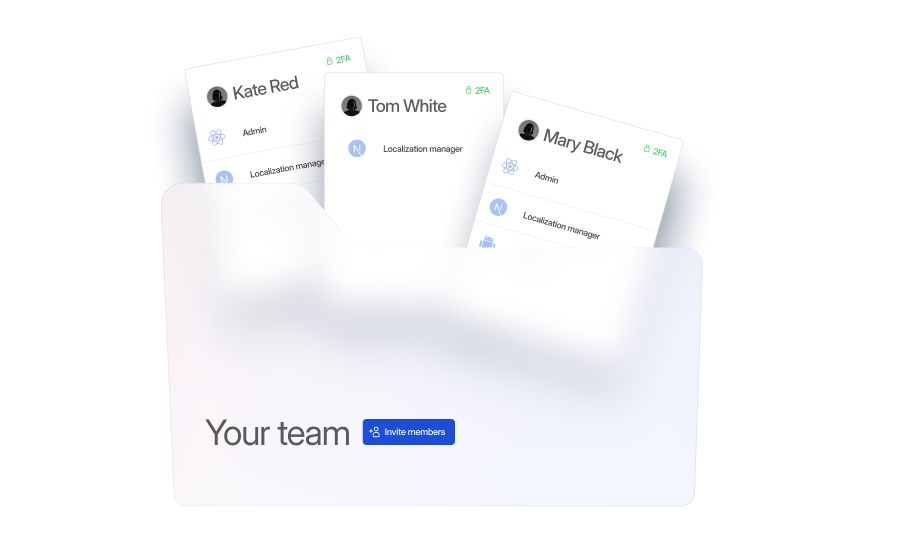
Control access with Workspace and Project roles.
Assign people to the projects and languages they work on.
Keep responsibilities clear as your localization team grows.
)
Control access with clear role structures
Assign Workspace and Project roles, so each team member has access to the tools and content they need.
)
Add language-based permissions
Assign translators and reviewers to specific languages and define what they can manage.
)
Keep responsibilities visible and transparent
See who is responsible for each project and language as your localization setup grows.
What is translation team management?
Translation team management defines who can access your localization projects, which languages they work on, and what they are allowed to change. Workspace, Project, and language roles keep responsibilities clear while your whole team works in the same localization platform.
For managers

Assign Workspace and Project roles based on each person’s responsibilities
Control who can access projects, settings, and administrative features
Adjust permissions as teams, projects, and responsibilities change
For localization teams
Assign translators and reviewers to the languages they work on
Define whether members can translate or manage specific languages
Give contributors access only to the projects and languages they need
For developers
Control who can upload files, manage keys, and edit source content
Grant project access without giving contributors Workspace-wide permissions
Keep administrative settings restricted to the appropriate roles
01
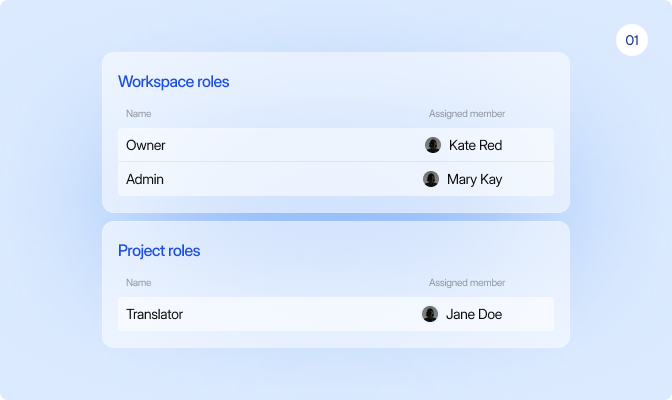
Structured access
Assign Workspace and Project roles to define who can access projects, settings, and administrative features.
02
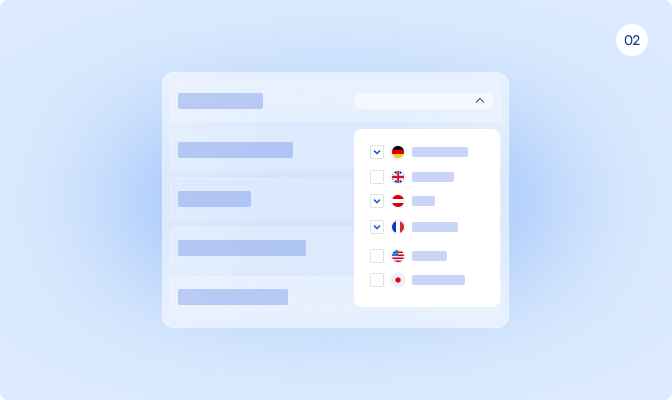
Language-based coordination
Assign translators, reviewers, and LINA to specific languages and define their scope.
03
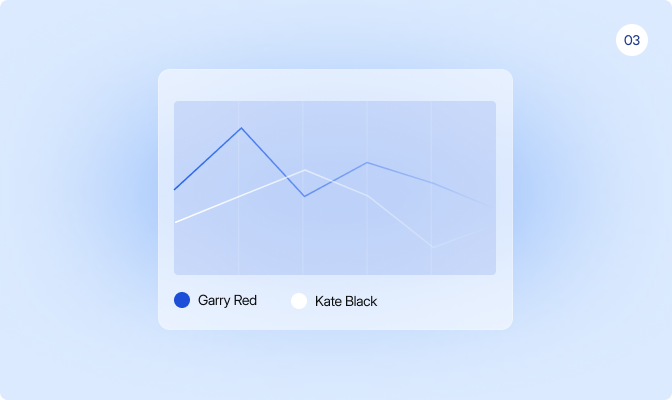
Centralized operational visibility
See roles, project access, language assignments, and team responsibilities in one place.
04
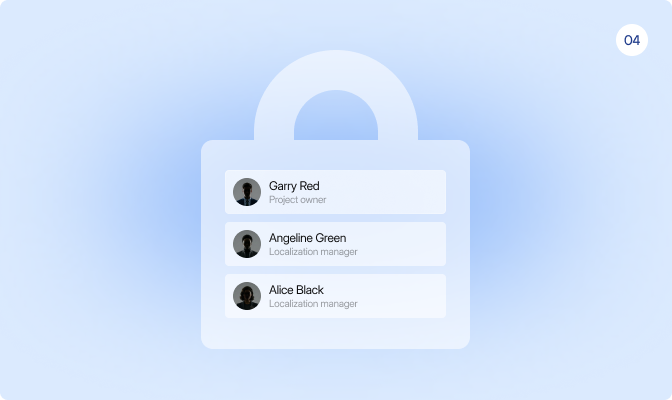
Scalable administration
Manage access as your team grows with flexible roles, SSO, and SCIM.
Set access at the Workspace, Project, and language level to give every team member the permissions they need.
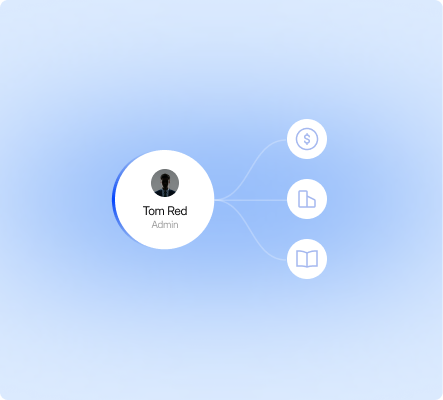
Assign Workspace roles
Set Workspace roles such as Owner, Admin, Localization Manager, or Member to define organization-wide access and responsibilities.
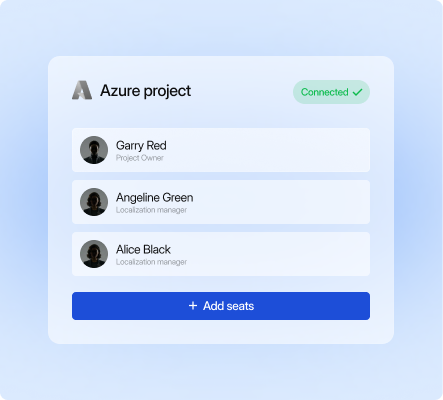
Configure Project access
Assign Project roles to control who can access individual projects and what they can manage within them.

Assign languages, monitor progress
Assign your team and LINA to specific languages and define whether they can translate or manage them.
Language you can ship. Start localizing now.
Free 14-day trial. No credit card required.

Glossary, translation memory, and QA on every string.

LINA drafts. Your team approves what matters.

The next release matches the last one.
How does LingoHub manage roles and permissions across teams?

LingoHub uses Workspace and Project roles to control access across the platform. This keeps responsibilities clear without exposing unnecessary settings or data.
Can I control access for specific projects or languages in LingoHub?
Yes. You can assign users to specific projects and restrict access to selected languages so contributors only work where needed.
How can I track activity and maintain operational transparency in LingoHub?
LingoHub tracks edits, status changes, access updates, contracts, and transactions in one system for clear operational visibility.
