Skip to content

One name for every feature, in every language

Preferred terms, forbidden terms, do-not-translate. LINA and reviewers see the same list.

Language you can ship.

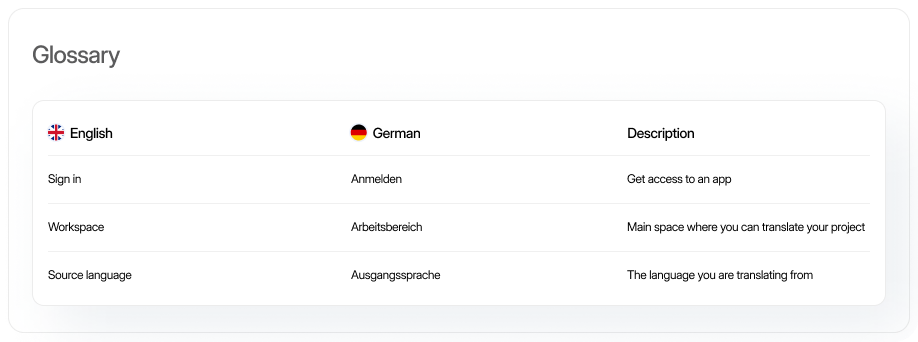
LingoHub glossary interface showing centralized multilingual glossary management with standardized terminology, approved translations, and localization vocabulary consistency across global content.

Define which terms to use, avoid, or leave untranslated across every language.

LINA checks the glossary before drafting, so approved product terms carry into new translations.

Use the same terminology across your product, support content, and marketing.

A mistake in the source does not stay in the source. It ships in every language.

One inconsistent product name can become ten inconsistent translations. Keep approved terminology in one central place so everyone starts from the same terms.

Manage terms in one place

Define approved, discouraged, and non-translatable terms with the context teams need to use them correctly.

Share one glossary

Give product, marketing, support, and localization teams the same terminology to work from.

Onboard contributors faster

Give translators, writers, and reviewers immediate access to approved terms and usage guidance.

What is a glossary?

A glossary is a centralized term base that defines approved terminology, discouraged or forbidden alternatives, translations, and usage guidance. It gives translators, reviewers, and AI the same terminology rules across projects and languages.

Who glossaries are for

Start free trial

For managers


check-icon

Reduce terminology-related revision and feedback cycles

check-icon

Keep product terminology aligned across projects and teams

check-icon

Maintain one source of truth for naming conventions

For marketers


check-icon

Keep product names consistent across campaigns and markets

check-icon

Align website, campaign, and product terminology

check-icon

Give contributors approved wording from the start

For translators


check-icon

Access approved terminology and context while translating

check-icon

See preferred, discouraged, and non-translatable terms

check-icon

Spend less time resolving terminology questions during review

Set the rules for every term

Term status and translation rules

Mark terms as preferred, admitted, not recommended, or obsolete, and define whether they should always, never, or optionally be translated.

Rich term details

Add context, number, gender, and product-specific guidance so terms are used correctly.

Smart matching

Choose exact, fuzzy, prefix, or custom matching and control case sensitivity for each term.

Multilingual entries and priorities

Add translations for each locale and define priorities when several glossary entries could apply.

Put your glossary to work

01

LingoHub glossary management interface showing project glossaries, terminology governance, and collaborative approval workflows for multilingual localization teams.

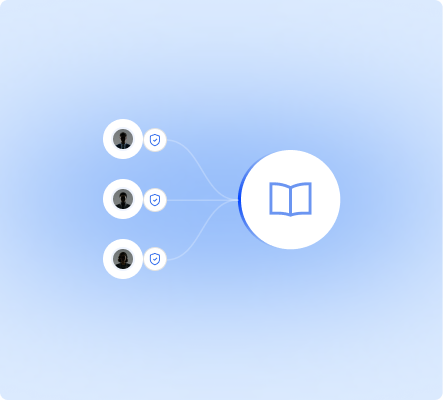
Control glossary access

Assign ownership and permissions so glossary changes stay with the people responsible for terminology.

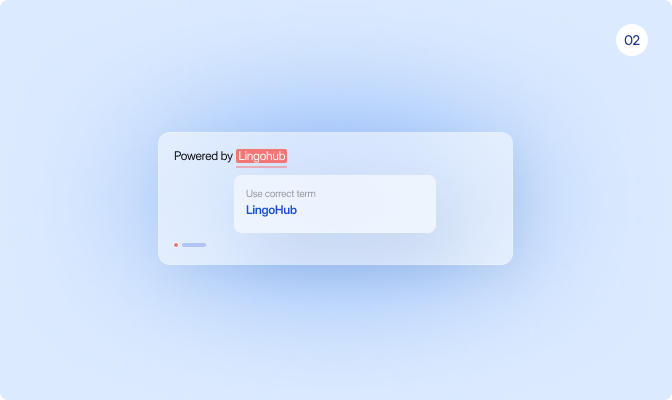
02

LingoHub glossary feature displaying in-editor translation suggestions with approved terminology recommendations for faster and more consistent translations.

Surface terms while translating

Show approved glossary matches directly in the Editor, where translators and reviewers can apply them.

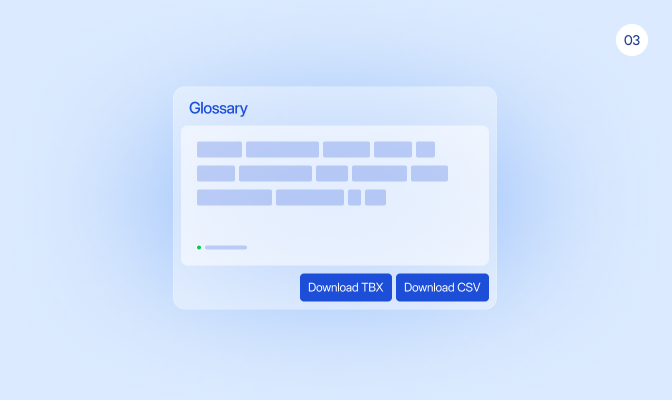
03

LingoHub glossary dashboard illustrating glossary term import and export workflows with CSV and TBX support for localization terminology management.

Import and export terminology

Import existing terminology from CSV and export glossary data in CSV or TBX formats.

04

LingoHub glossary management screen showing fallback terminology setup for maintaining translation consistency across regional language variants.

Reuse terms across locales

Set fallback languages to reuse terminology when a locale-specific translation is not available.

From approved term to every new translation

Define terminology once. LINA and your team use it wherever the glossary applies.

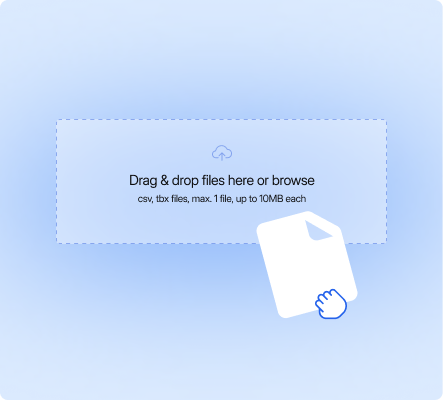
LingoHub glossary workflow interface showing glossary term creation and import with CSV, TBX, and XLSX terminology management support.

Create or import your terms

Add terms manually or import an existing glossary to build your terminology base.

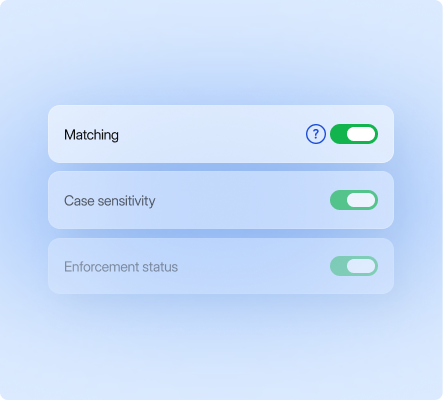
LingoHub glossary management dashboard displaying customizable glossary settings for term matching, case sensitivity, and terminology enforcement rules.

Define how each term is used

Set matching, case sensitivity, translation rules, alternatives, and context.

LingoHub glossary collaboration screen illustrating glossary activation across projects and teams to maintain approved multilingual terminology consistency.

Use the glossary in translation

LINA, translators, and reviewers work with the same approved terminology when new content is translated.

Language you can ship. Start localizing now.

Free 14-day trial. No credit card required.

Glossary, translation memory, and QA on every string.

LINA drafts. Your team approves what matters.

The next release matches the last one.

Build on the same source of truth

Everything you need to know about glossaries in LingoHub

Got questions? We have the answers.

How do I control which terms are used and which are avoided in LingoHub?

Expand FAQ-entry Icon

Categorize terms as “Preferred”, “Admitted”, or “Not Recommended” to enforce top choices and flag obsolete wording. You can also mark specific brand names to never be translated to ensure global consistency.

How does the glossary reduce manual review cycles?

Expand FAQ-entry Icon

Smart matching automatically surfaces approved terms in the editor, ensuring translators use correct wording instantly. This prevents terminology errors at the source and significantly reduces the need for manual review loops.

Can I manage different terminology in LingoHub for multiple brands?

Expand FAQ-entry Icon

Use project-specific glossaries alongside a global term base to manage distinct naming conventions for different products. Role-based permissions and approval workflows keep these updates secure across all departments and vendors.