Skip to content

QA for strings that can break a build

Placeholders, ICU, tags, length, empty targets, glossary misses, and more. Checked before the file leaves LingoHub.

Language you can ship.

LingoHub quality checks interface showing automated translation validation for placeholders, HTML tags, spacing, and character limits to ensure consistent multilingual content.

Find technical and linguistic issues before localized content moves back into your product.

Run QA for placeholders, markup, length, spacing, terminology, and other defined criteria.

Flag terminology and formatting issues across languages before they become part of a release.

A bad placeholder in the source is a bad build in every language.

Protect the structure

Catch missing or changed placeholders, tags, and markup before localized files leave LingoHub.

Enforce your QA rules

Check length, spacing, empty targets, terminology, and other project requirements throughout the localization workflow.

Review issues

See what failed, fix the affected segment, and move approved content forward.

What are localization quality checks?

Quality checks are automated rules that compare source and target content to identify issues before localized files are released. They can flag missing placeholders, changed markup, incorrect spacing, length discrepancies, empty targets, duplicates, and terminology issues.

In LingoHub, these checks are part of the localization workflow, giving translators and reviewers a clear view of issues that need attention before content moves forward.

Who quality checks are for

Start free trial

For managers


check-icon

See QA issues across projects and languages

check-icon

Reduce repeated manual checks during review

check-icon

Keep approvals moving with issues clearly flagged

For developers


check-icon

Catch missing or changed placeholders and tags

check-icon

Check markup and formatting before localized files return

check-icon

Enforce length rules for UI strings

For marketers


check-icon

Keep approved terminology consistent across languages

check-icon

Catch formatting issues in customer-facing content

check-icon

Apply the same terminology rules across localized copy

Quality checks for every part of the string

01

Placeholders quality check

Check that placeholders remain intact between source and target content and flag missing or changed placeholders.

02

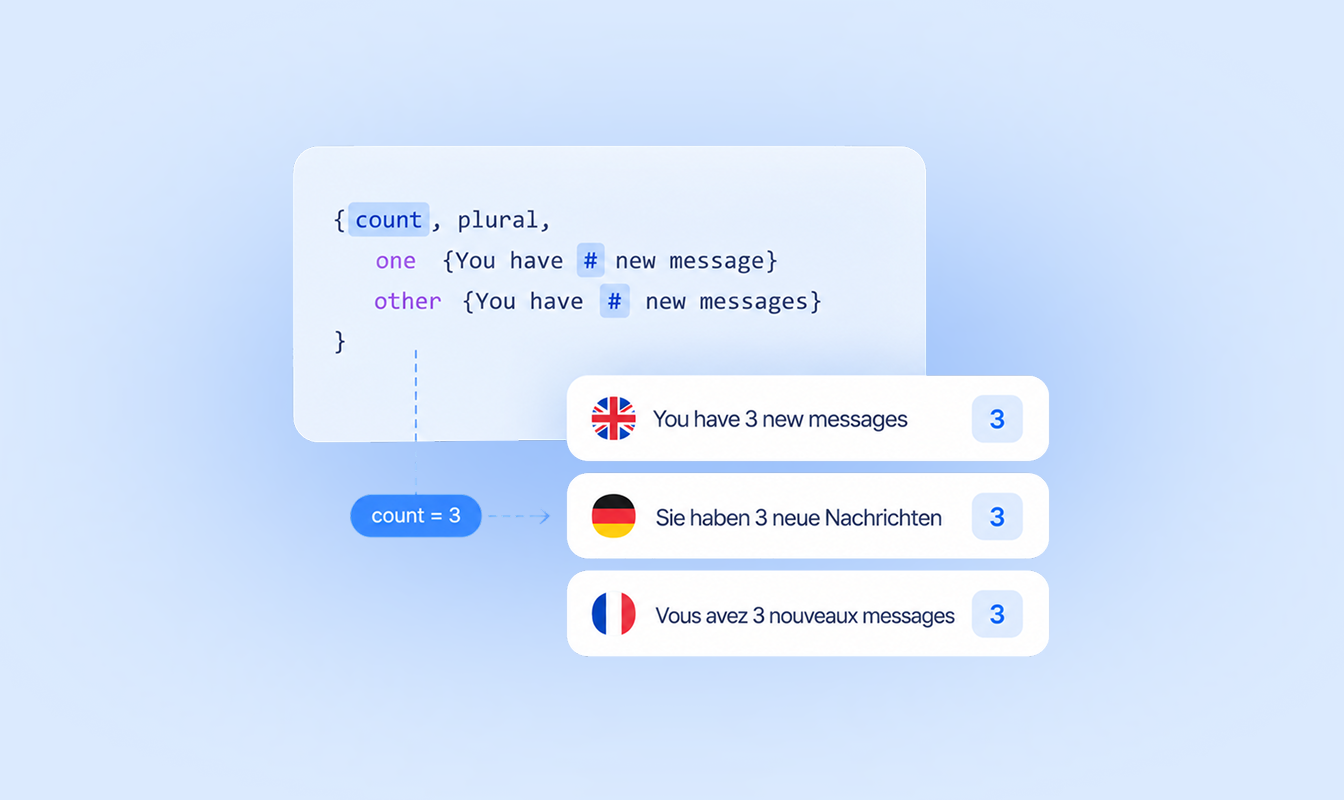
ICU quality check example showing how LingoHub validates ICU message format syntax and variables to help prevent formatting errors in localized content.

ICU quality check

Check ICU messages for issues that could affect how localized content is displayed or processed.

03

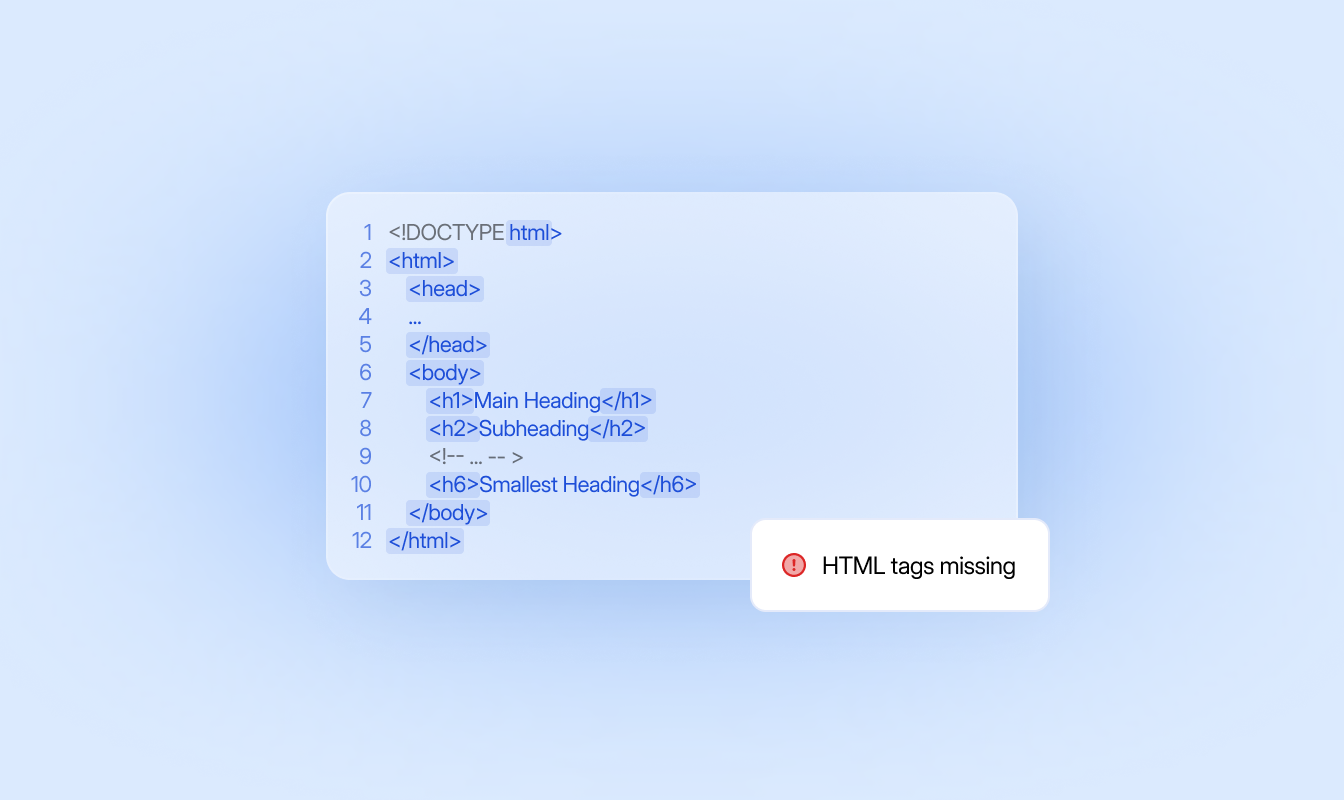
LingoHub automated quality checks example showing markup HTML quality check detecting missing or incorrect HTML tags in translated content.

Tag quality check

Check that required tags remain intact between source and target content.

04

Length quality check

Check translations against defined length limits to keep localized content within the requirements of your interface.

05

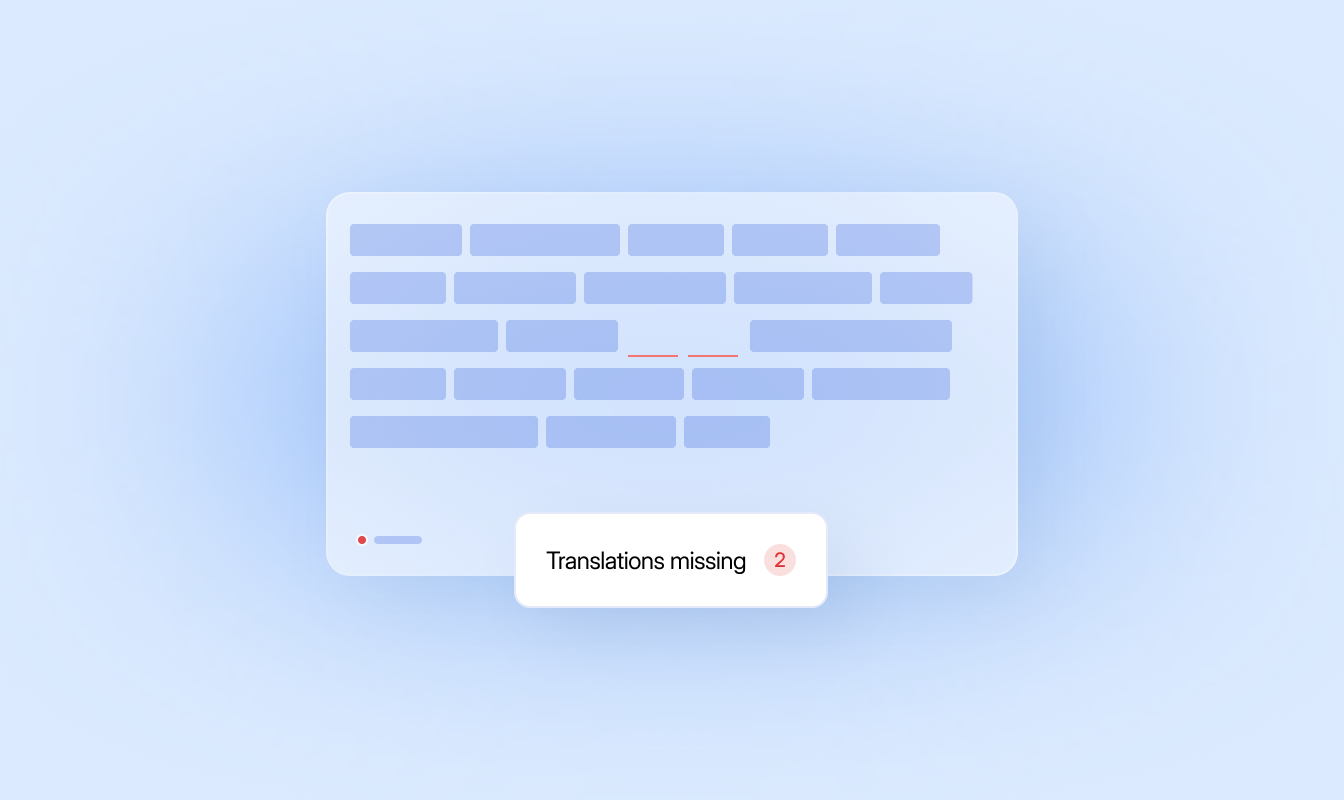
Empty target quality check in LingoHub highlighting two missing translations in localized content to help teams identify untranslated segments before release.

Empty target quality check

Flag target segments with missing translations before localized files leave LingoHub.

06

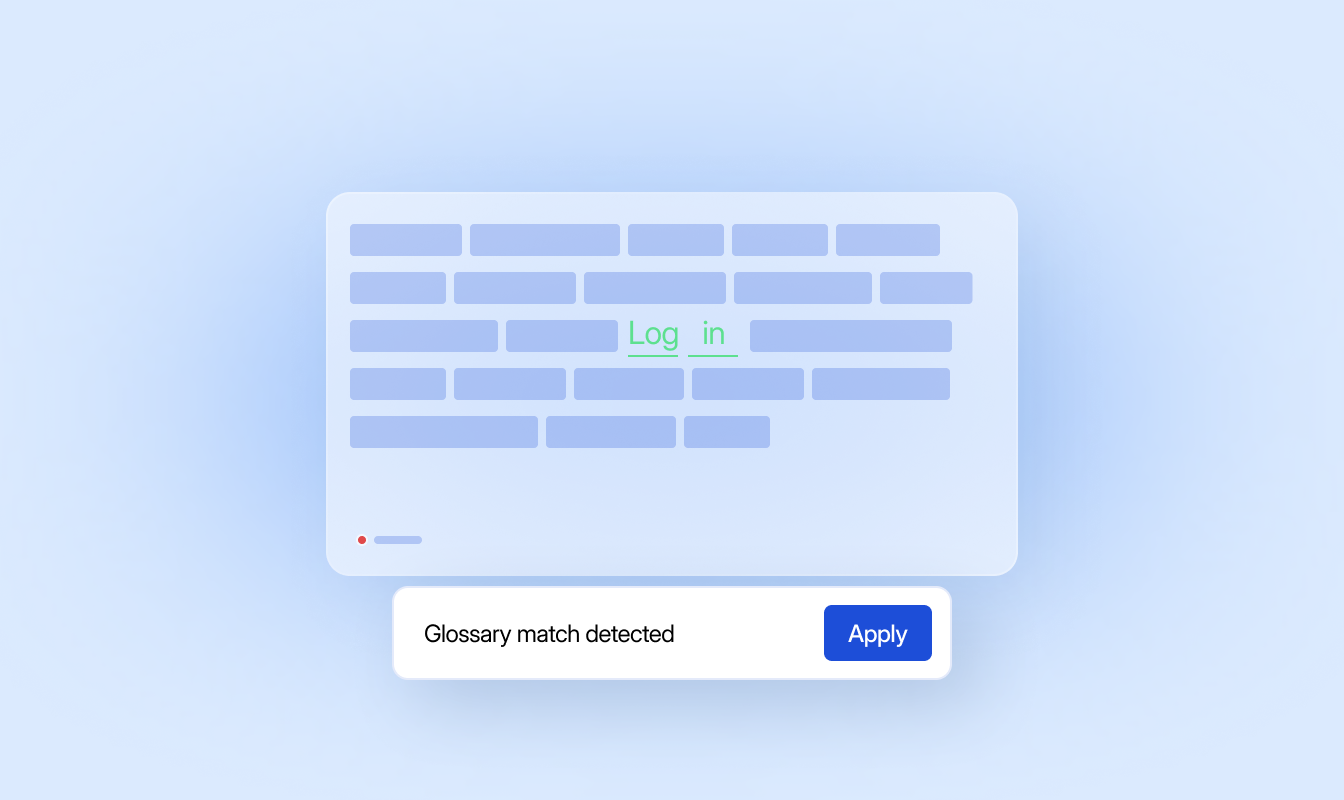
Glossary quality check in LingoHub detecting a glossary match in translated content and prompting the user to apply the approved terminology.

Glossary quality check

Check translations against your glossary and flag terminology that does not follow your defined product language.

QA is part of LINA’s workflow

LINA runs quality checks as content moves through the workflow, flagging issues that need attention before translations move forward.

Localization context in LingoHub combining glossary, style guide, translation memory, labels, and additional project information to guide consistent translations.

Draft with your project context

LINA translates eligible content using your glossary, translation memory, style guide, and available context.

Check against your QA rules

Run checks for placeholders, ICU, tags, length, empty targets, glossary misses, and more as content moves through the workflow.

Review issues before release

Resolve flagged issues and approve content before localized files move back into your product workflow.

Language you can ship. Start localizing now.

Free 14-day trial. No credit card required

Glossary, translation memory, and QA on every string.

LINA drafts. Your team approves what matters.

The next release matches the last one.

QA works with your language assets

Everything you need to know about quality checks in LingoHub

Got questions? We have the answers.

How do LingoHub quality checks help prevent technical bugs in my application?

Expand FAQ-entry Icon

Quality checks identify invalid placeholders and mismatched HTML markup before deployment, reducing software bugs caused by missing or extra variables. This ensures your translations are release-ready and do not break your software’s functional code.

Can LingoHub automatically fix common formatting mistakes?

Expand FAQ-entry Icon

Yes, the “Auto-correct” feature instantly detects and resolves inconsistencies such as punctuation errors or extra spaces. This reduces the manual review workload for managers and speeds up the entire approval cycle.

How do I ensure translated text fits within my UI elements?

Expand FAQ-entry Icon

You can customize length quality checks by setting character limits for specific components, such as buttons, headers, or pop-ups. The system provides immediate warnings if a translation exceeds these limits, preventing layout issues in your production environment.