Skip to content

LingoHub + Bitbucket

Sync localization files with your Bitbucket repositories and check translations against terminology, memory, and QA before they return.

Keep localization files in sync with Bitbucket

Use repository changes to keep source and localized files in sync. LingoHub handles updates between Bitbucket and your localization workflow without manual file transfers.

Version control with full branching support

Localize feature branches without affecting production. Sync across branches and keep translations aligned with your development workflow.

Automated quality & error prevention

Catch placeholders, broken tags, and formatting issues before files return to your repository, helping prevent localization errors early.
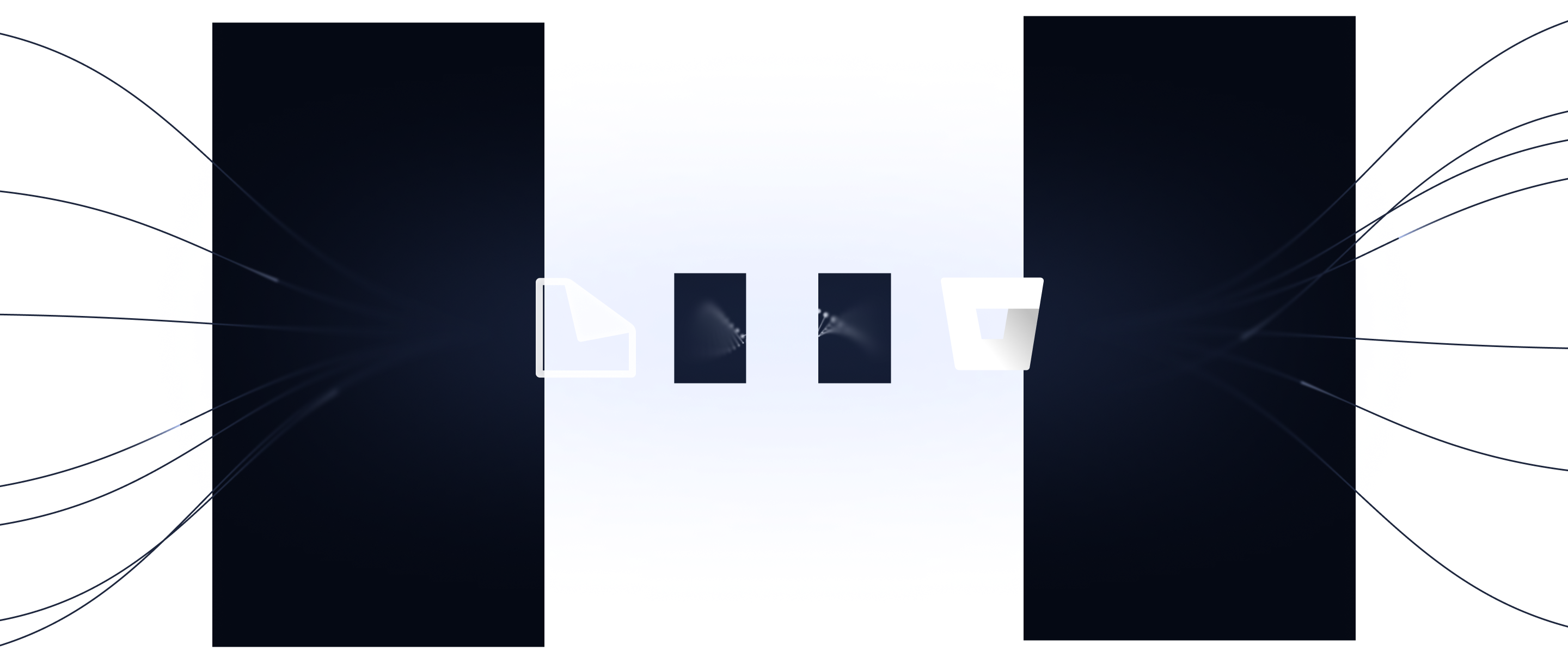
How it works: 3 steps to Bitbucket automation

01
Authorize

Connect your Bitbucket account and
select the repository you want to link.

02
Map

Choose the branches and folders
where your translation files live.

03
Sync

LingoHub pulls new segments automatically and pushes translations back to Bitbucket.

Technical specifications & capabilities

Connection type

Personal Access Token

Sync triggers

Webhooks triggered due to Commits, Pull Requests, or Manual Refresh

Sync types

Bi-directional sync (pull from repo to LingoHub/push resources to repository)

Features

Automatic pull request creation, sync to a branch, conflict detection, aborting sync if an error is detected

Discover other integrations

All integrations

Figma

Bring localization directly into your design workflow. Preview translated content in context before it reaches development.

Learn more about our Figma integration

Storyblok

Sync Storyblok content with LingoHub
to translate stories more efficiently
and keep global content workflows aligned.

Learn more about our Storyblok integration

Zendesk

Localize Help Center content faster
and publish multilingual support articles
without copying content by hand.

Learn more about our Zendesk integration

Connect Bitbucket and LingoHub now

Language you can ship

Start localizing your code immediately with
our 14-day free trial.

Frequently asked questions

Got questions? We have the answers.

How does the Bitbucket integration eliminate manual file handling?

Expand FAQ-entry Icon

LingoHub automatically detects repository updates and syncs resource files bi-directionally, eliminating the need for manual imports. This allows your team to focus on engineering while the system handles all text segment generation.

Can I localize specific branches without affecting the master code?

Expand FAQ-entry Icon

Yes. Branching support lets you localize specific features without affecting other parts of your project. This keeps translation work connected to the corresponding Bitbucket branch.

How do I ensure technical accuracy in my Bitbucket files?

Expand FAQ-entry Icon

Automated QA checks flag missing placeholders and broken markup before localized files are synced back to your repository. Use LINA, machine translation, or translation memory to prepare translations before review.